.png)
Table of Contents
Dark mode is here
You can now use StepSecurity in dark mode for a more comfortable viewing experience, especially during long investigation sessions or late-night debugging. This has been one of the most requested features from our community and enterprise users, and we’re excited to finally ship it.
Why Dark Mode?
- Reduced eye strain in low-light environments
- Improved focus during extended security analysis
- A cleaner, modern interface that adapts to how you work
How to Enable It
Dark mode follows your system preference automatically. If your OS or browser is set to dark mode, StepSecurity will match it.
You can also switch manually using the toggle beside your profile image
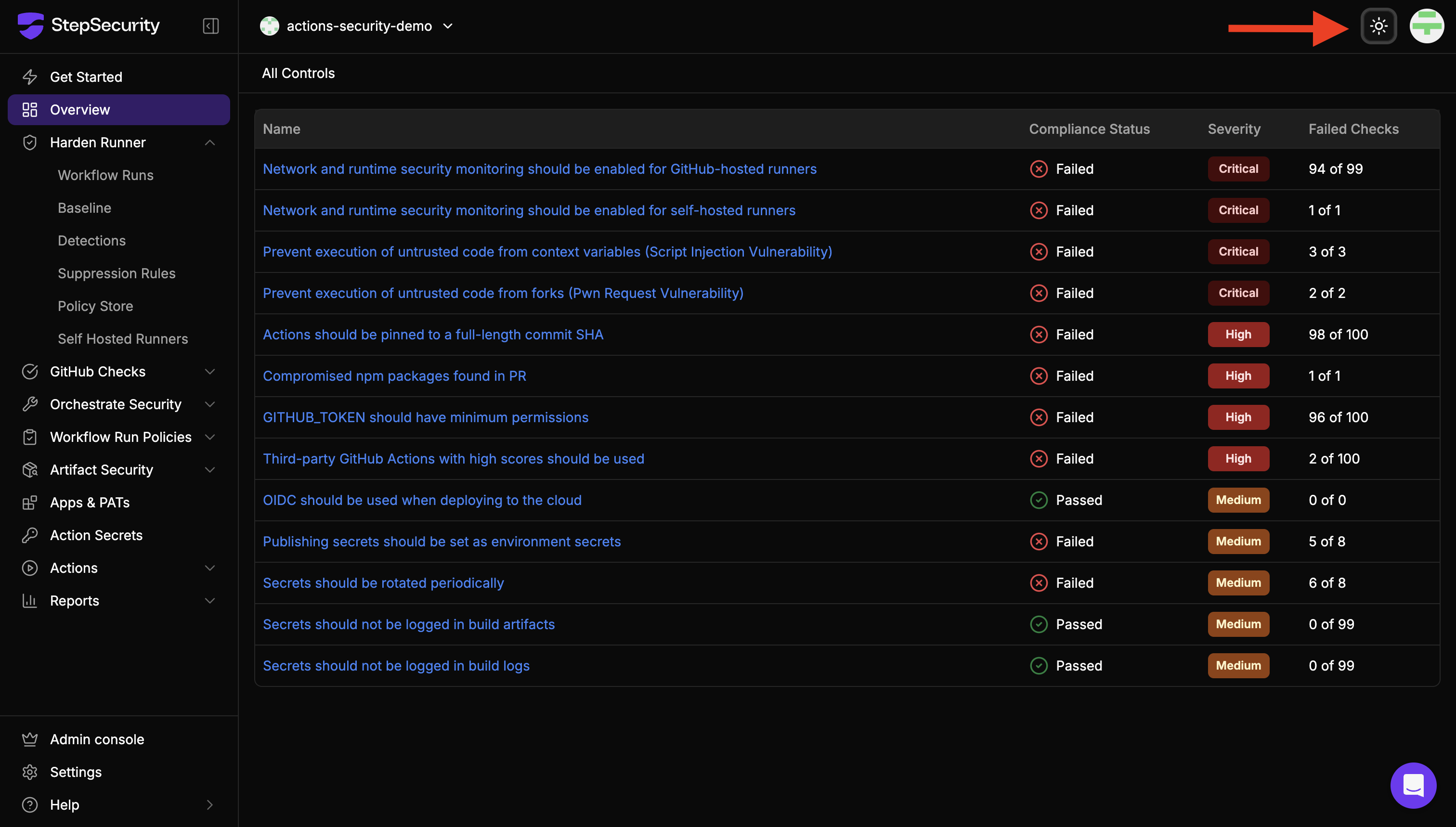
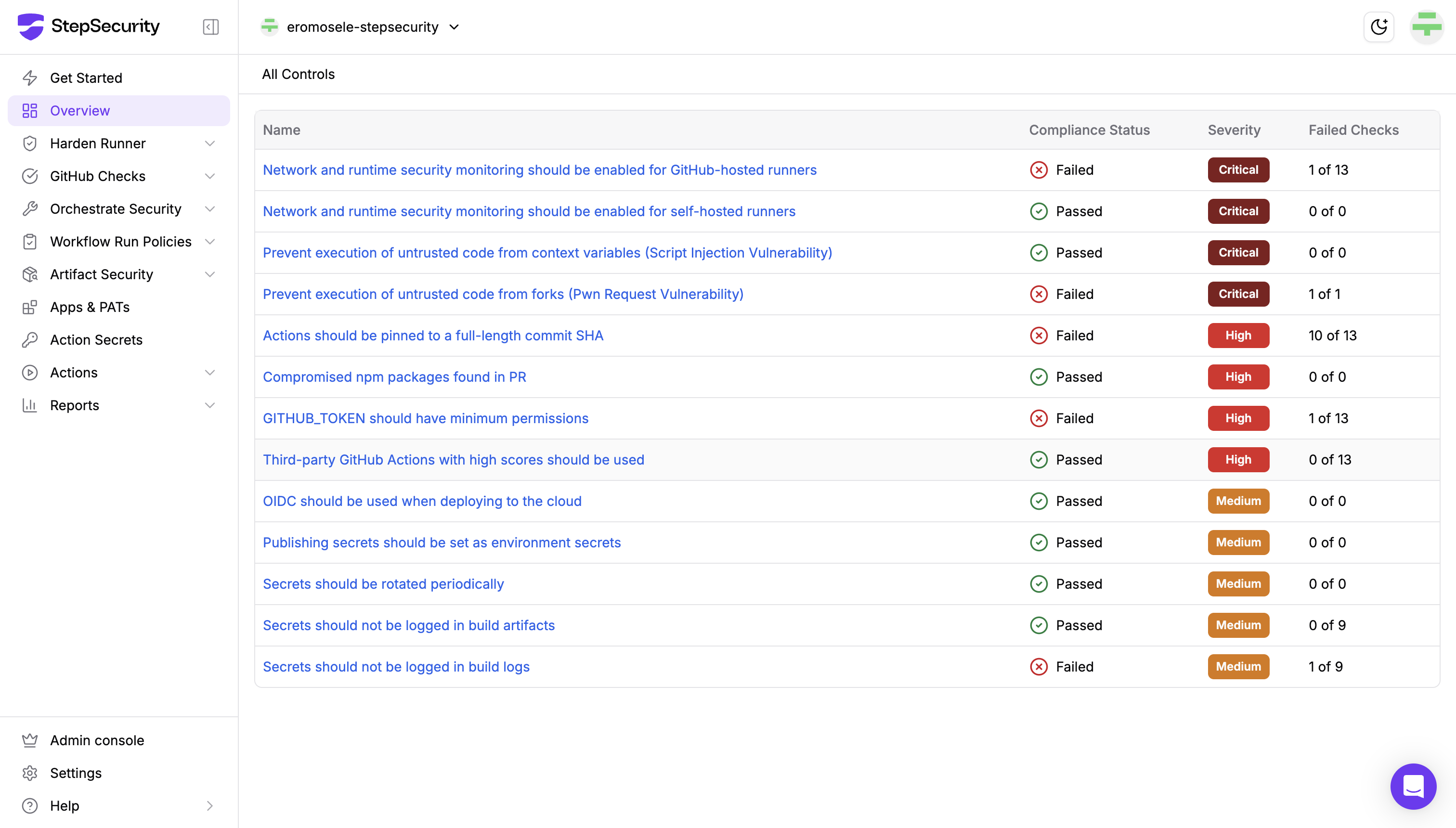
We’d love your feedback as you try it out. If you notice anything that could be improved, let us know.
Secure pipelines, now easier on the eyes