Updated October 30, 2026. This article reflects the statements and research linked below. Binance’s investigation is ongoing.
Executive summary
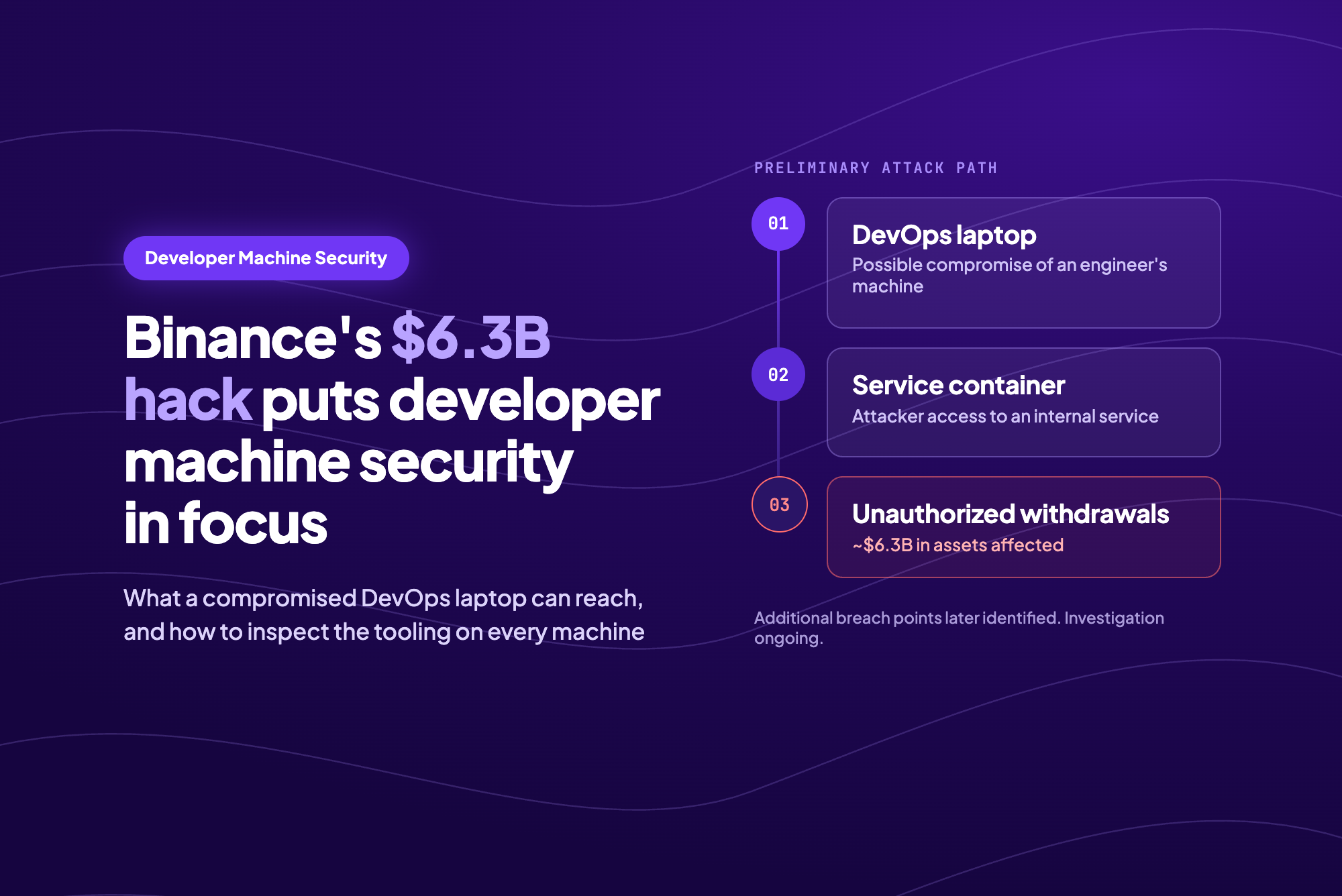
Binance estimates that its October 29 security incident affected approximately $6.3 billion in assets. Its initial investigation pointed to a possible compromise of a DevOps engineer’s laptop, followed by access to a service container and unauthorized withdrawal transactions. A subsequent update identified additional breach points, making clear that the investigation extends beyond one device.
Binance said it had found no evidence of a wallet private key leak. Blockchain researchers have described activity consistent with misuse of signing infrastructure, including a persistent delegation on an Ethereum wallet. How the laptop may have been compromised remains unresolved.
For security teams, the practical question is what an attacker could reach from a developer’s machine. StepSecurity’s investigations into compromised packages, IDE extensions, and CLI tools show why that question deserves attention. Dev Machine Guard helps inventory this software and identify known threats; its Community tier is free and available as an open-source agent.
What Binance has disclosed
In its security incident announcement, Binance described a possible path from a compromised DevOps laptop to a service container, where the attacker could submit unauthorized withdrawal transactions. A container runs a service in an isolated software environment. That description alone does not tell us how the attacker entered it or what permissions were involved.
Binance later reported additional breach points. In that update, the company said withdrawals had been paused, deposits remained unaffected, and approximately $3 billion had been frozen with partners’ help. It committed to covering losses through its SAFU fund and company funds.
The cited statements do not identify the laptop’s malware, operating system, or initial infection method. Binance has promised a technical post-mortem. Until then, attributing the incident to a specific extension, package, or engineer would go beyond the available evidence.
How funds can move without a stolen private key
A private key signs transactions. A separate set of systems decides which transactions should reach that key. If an attacker can manipulate those requests, a legitimate signing system may produce a valid signature for an unauthorized operation. Protecting the key and protecting the path to the signer are both necessary.
Fifty authorizations for a moving transaction counter
TRM Labs reports that the Ethereum attack included 50 signed authorizations covering consecutive nonces. A nonce is an account counter that helps prevent replay. A busy exchange wallet’s counter keeps changing, so the attacker prepared a range of authorizations. One matched when the transaction was processed.
The authorizations used EIP-7702, an Ethereum feature that lets an account delegate execution to smart contract code. This requires a valid authorization from the account. The feature does not let someone take over an arbitrary wallet without that authorization.
The delegation survived the first transfer
Elliptic’s analysis describes a delegation to an attacker-controlled contract that swept funds from the wallet. The delegation remained active, allowing at least six further sweeps as new funds arrived over the following three and a half hours.
TRM also observed ordinary signed transfers from Binance wallets on other chains. Its assessment is that the attacker gained access to signing infrastructure. That is a research finding, not Binance’s completed root-cause analysis. EIP-7702 explains the Ethereum delegation; it does not explain the entire incident.
Developer tooling has become a recurring attack path
StepSecurity has investigated several attacks that reached developer machines through software people use every day. The entry points differ, but the same resources keep appearing in the payloads: source-control credentials, cloud access, publishing tokens, and tools that can execute more code.
August 2025: Nx npm packages and AI-assisted reconnaissance
In the s1ngularity attack, compromised Nx packages ran a malicious post-install script. It collected credentials and attempted to use installed AI command-line tools, including Claude and Gemini, to locate sensitive files. Installing a build dependency was enough to start the payload.
May 2026: Nx Console’s VS Code extension
A separate compromise affected Nx Console version 18.95.0. Opening a workspace caused the extension to fetch and execute a credential-stealing payload from an orphan commit in the official Nx repository. The version was available for approximately 11 minutes. The payload also installed a persistent Python backdoor on macOS, giving the incident consequences beyond that short publishing window.
October 2026: OVHcloud CLI release binaries
Attackers replaced binaries on five existing OVHcloud CLI releases, then updated checksums to match. OVHcloud’s post-mortem traced the stolen access back to a malicious VS Code extension installed on a contributor’s personal MacBook the previous year. It illustrates how access stolen from a developer environment can later be used to distribute malicious software.
October 2026: A trojanized Claude Code extension
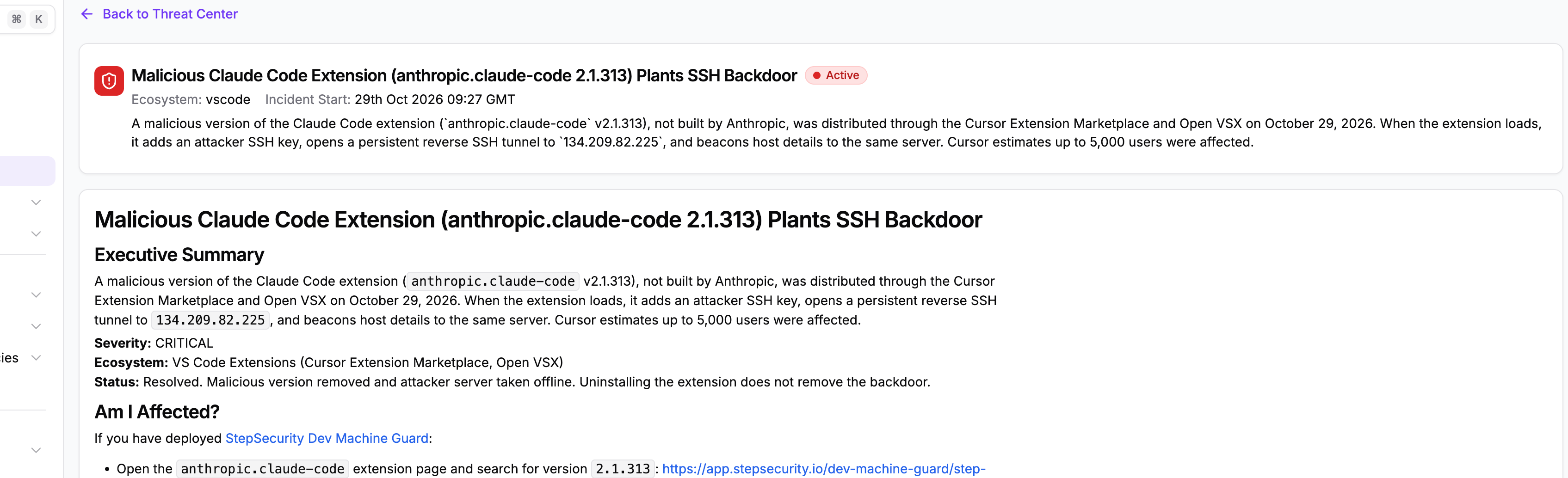
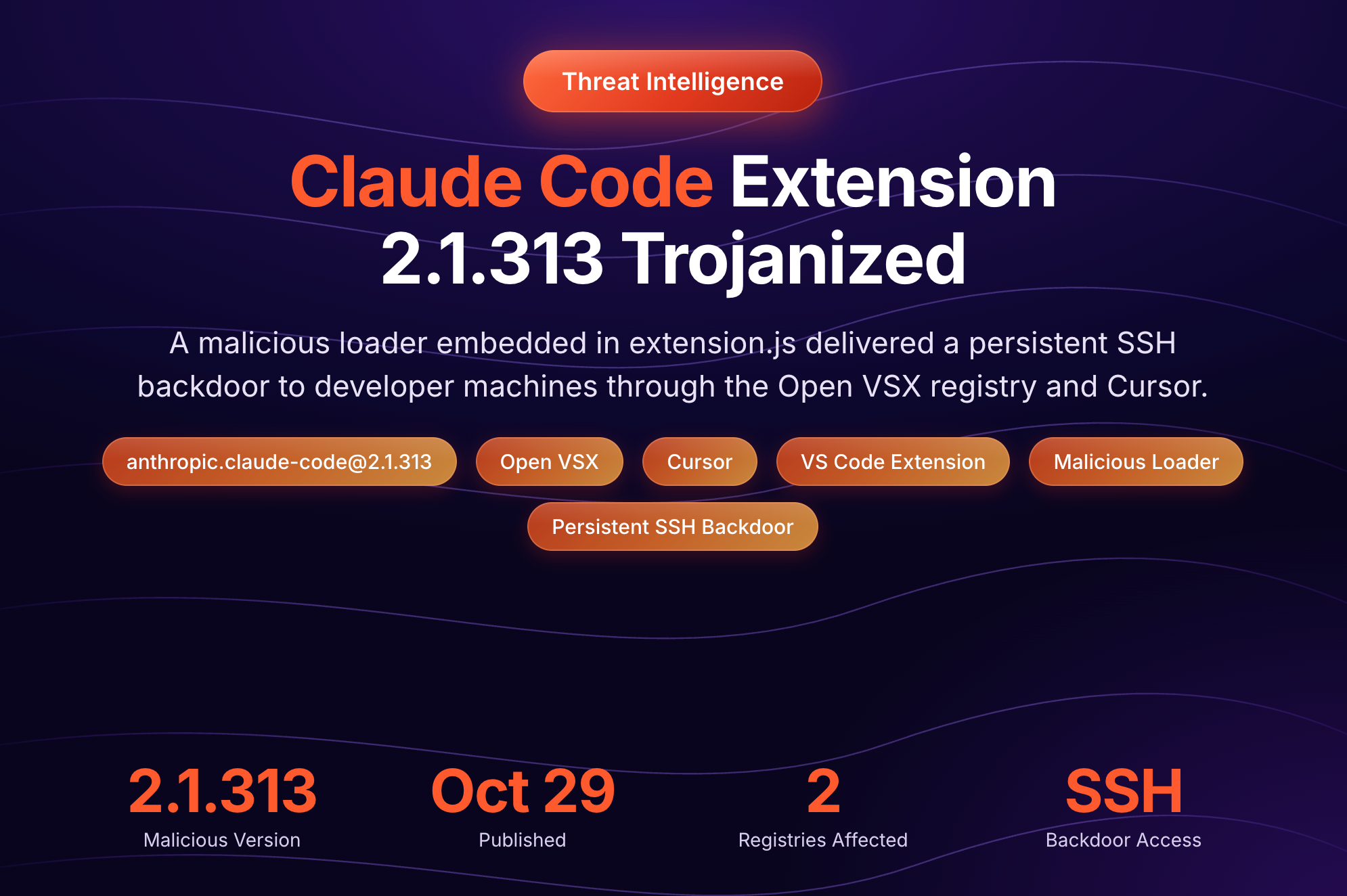
The trojanized Claude Code extension, version 2.1.313, planted an attacker’s SSH key, installed persistence, and attempted a reverse SSH tunnel. Removing the extension alone did not remove the standalone backdoor artifacts.
These incidents establish a recurring pattern: routine development work can execute malicious code with access to the developer’s environment. Stolen credentials and persistence can remain useful after the malicious release is removed. They provide context for the Binance investigation; they do not establish how its laptop was compromised.
What security teams should check
A useful investigation follows access from the device into the systems it can reach:
- Find exposed machines. Search for exact affected package and extension versions. Preserve available installation history, because a later update can hide earlier exposure.
- Preserve evidence and contain access. Isolate affected devices and collect relevant logs before removing artifacts. Revoke exposed sessions and credentials from a clean machine.
- Look beyond files on disk. Review authenticated command-line tools, SSH access, cloud roles, and secret stores the developer could reach.
- Investigate downstream activity. Check repository changes, package publishes, cloud API calls, and sensitive service requests associated with the affected identities.
- Verify recovery. Check for persistence and follow-on access. Rescan repaired devices; rebuild them where their integrity cannot be established.
How StepSecurity helps
Security teams need to know what is installed on developer machines, control which packages can be downloaded, and respond when trusted software is compromised. StepSecurity provides three capabilities for these tasks.
StepSecurity Dev Machine Guard
Dev Machine Guard gives security teams visibility into the developer software installed across their organization. It complements endpoint monitoring and identity controls with information about extensions, packages, AI tools, and MCP server configurations.
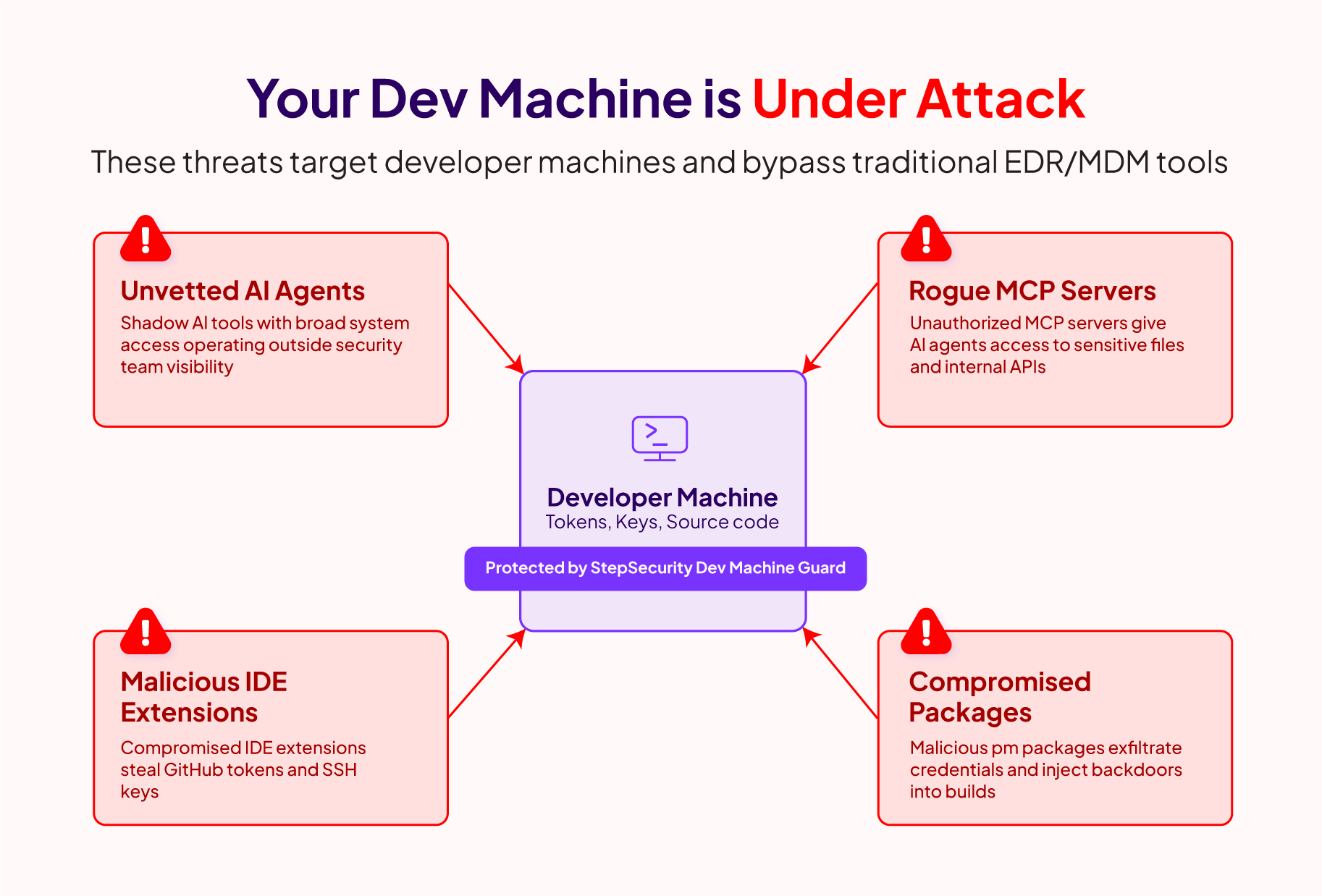
Start with the free Community tier
The open-source agent is free to download and run on macOS, Windows, and Linux. Community mode produces local terminal, JSON, or HTML reports. It includes developer-tool inventory, IDE extension scanning, MCP configuration auditing, package-manager configuration checks, and suspicious-file detection. npm and Python package scanning can be enabled explicitly.
Download and run the agent
Download the binary for your operating system and architecture from GitHub Releases. Save it as stepsecurity-dev-machine-guard, or stepsecurity-dev-machine-guard.exe on Windows. From that directory, run:
macOS or Linux
chmod +x ./stepsecurity-dev-machine-guard
./stepsecurity-dev-machine-guard --enable-npm-scan --enable-python-scan --html report.html
Windows PowerShell
.\stepsecurity-dev-machine-guard.exe --enable-npm-scan --enable-python-scan --html report.html
Review the local report
Open report.html in your browser to review the inventory and scan findings. Use --json for structured output. The repository contains the current installation instructions and source code.
Find affected machines across your organization
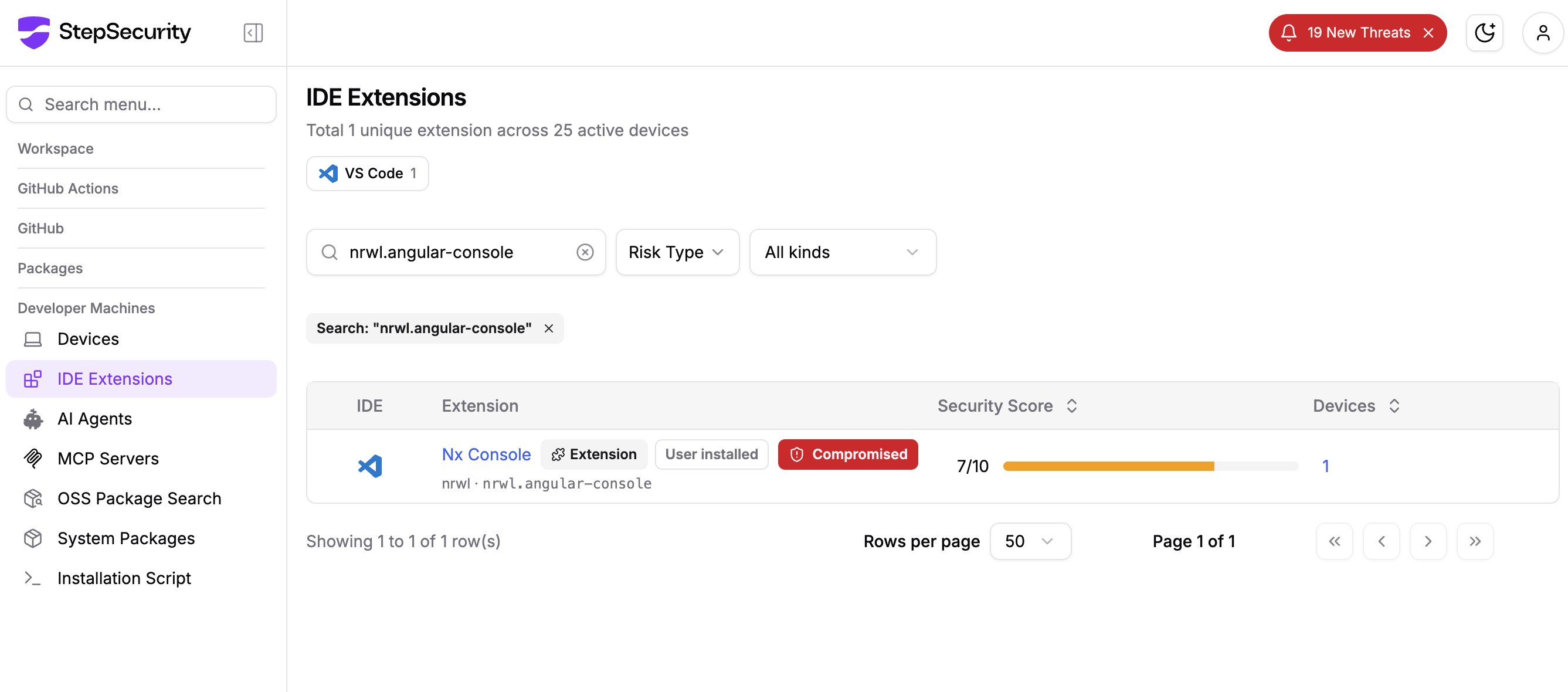
The enterprise dashboard brings device inventories together and checks installed components against StepSecurity threat intelligence. When a malicious extension version is disclosed, teams can identify which enrolled machines have it. In the Nx Console incident, Dev Machine Guard coverage identified version 18.95.0.
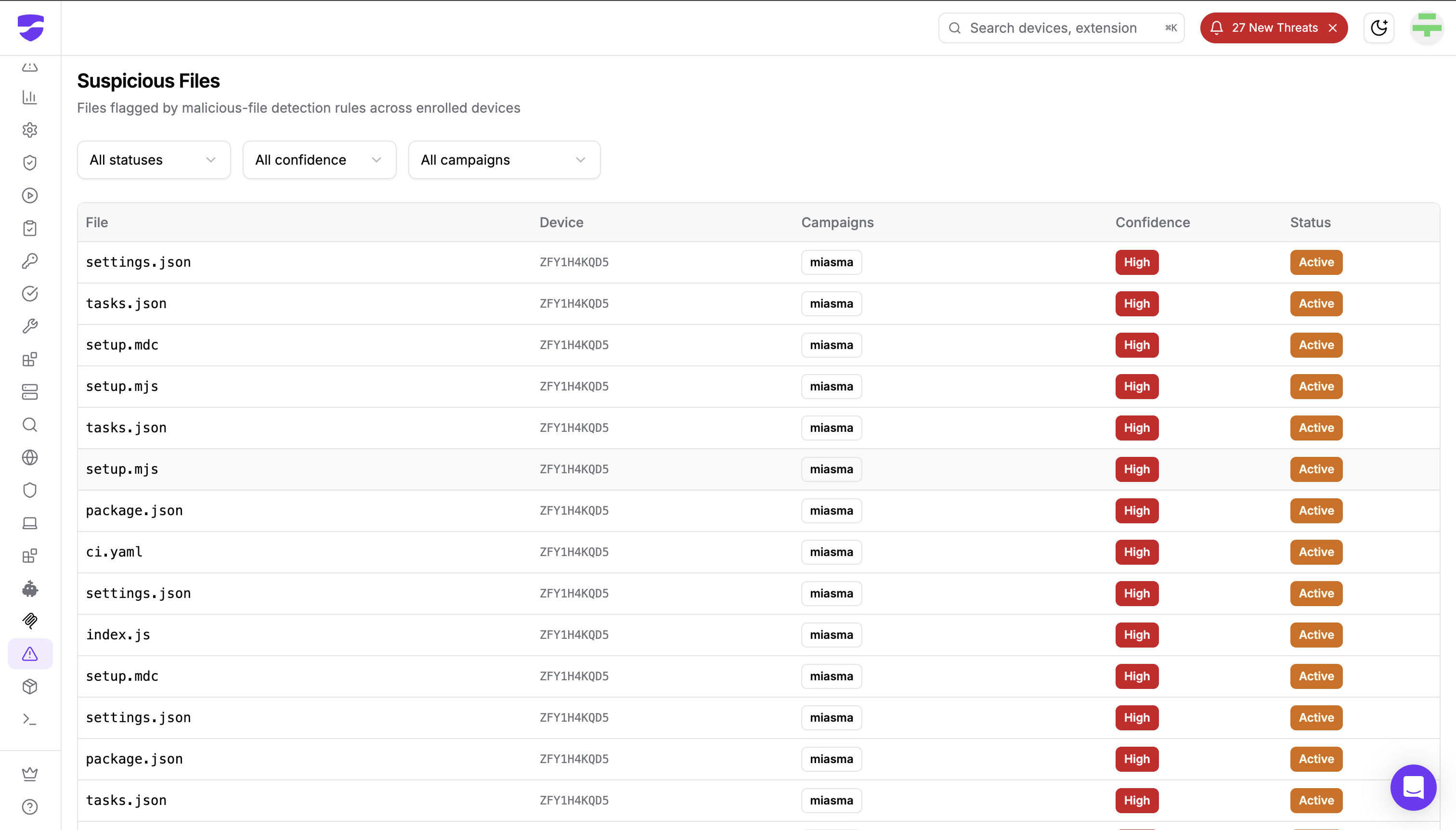
Investigate suspicious files
Some attacks leave files outside the installed package itself. Suspicious Files applies StepSecurity-maintained rules to supported artifacts, including malicious build files and abused editor or AI-tool configurations. The enterprise view links findings to devices and shows campaign matches, confidence, and the conditions behind a detection.
Set extension policies
Device Policy lets teams define allowed or blocked VS Code extensions and versions. Teams can use these policies to restrict an extension or version identified in an incident.
Centralized dashboards, policy enforcement, alerting, and historical reporting are enterprise capabilities. Developers can start with the free Community agent today and see what is installed on their own machine.
Secure Registry
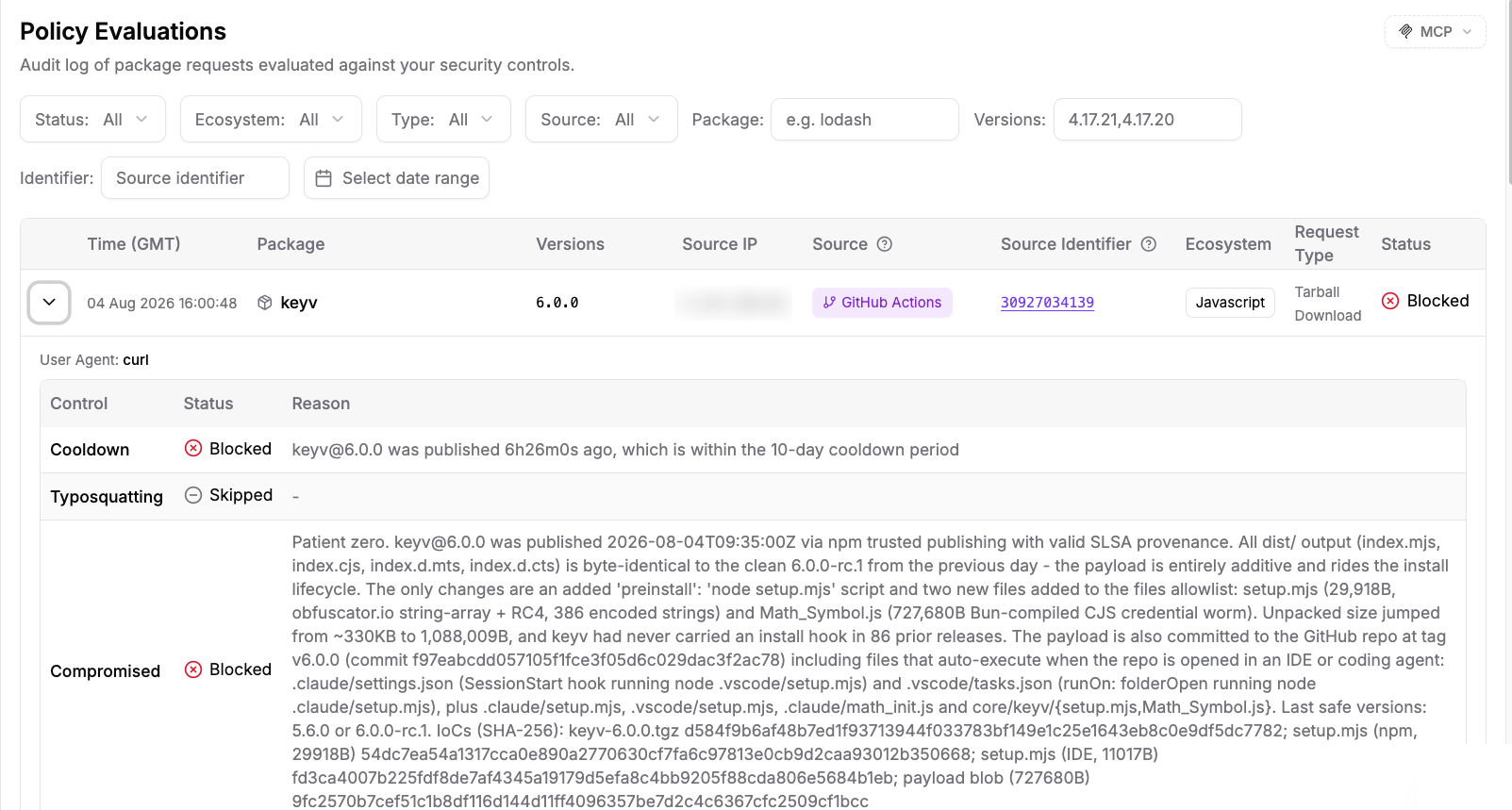
Secure Registry checks package requests at install time. It sits between configured package clients and public registries, so the same controls can apply to a developer running a local install and a CI runner downloading dependencies.
Teams can set cooldown periods for newly published versions and block packages known to be compromised. This reduces exposure to a malicious release before it reaches the machine. The Policy Evaluations log records the decisions, giving investigators a way to review package requests and blocked downloads.
Secure Registry is an enterprise capability. Package managers, CI runners, or artifact repositories must be configured to route their requests through it for these controls to apply.
Threat Center
Threat Center brings active and historical supply chain incidents into one view, with affected components, incident details, and remediation guidance. It helps teams understand what was compromised and what to investigate.
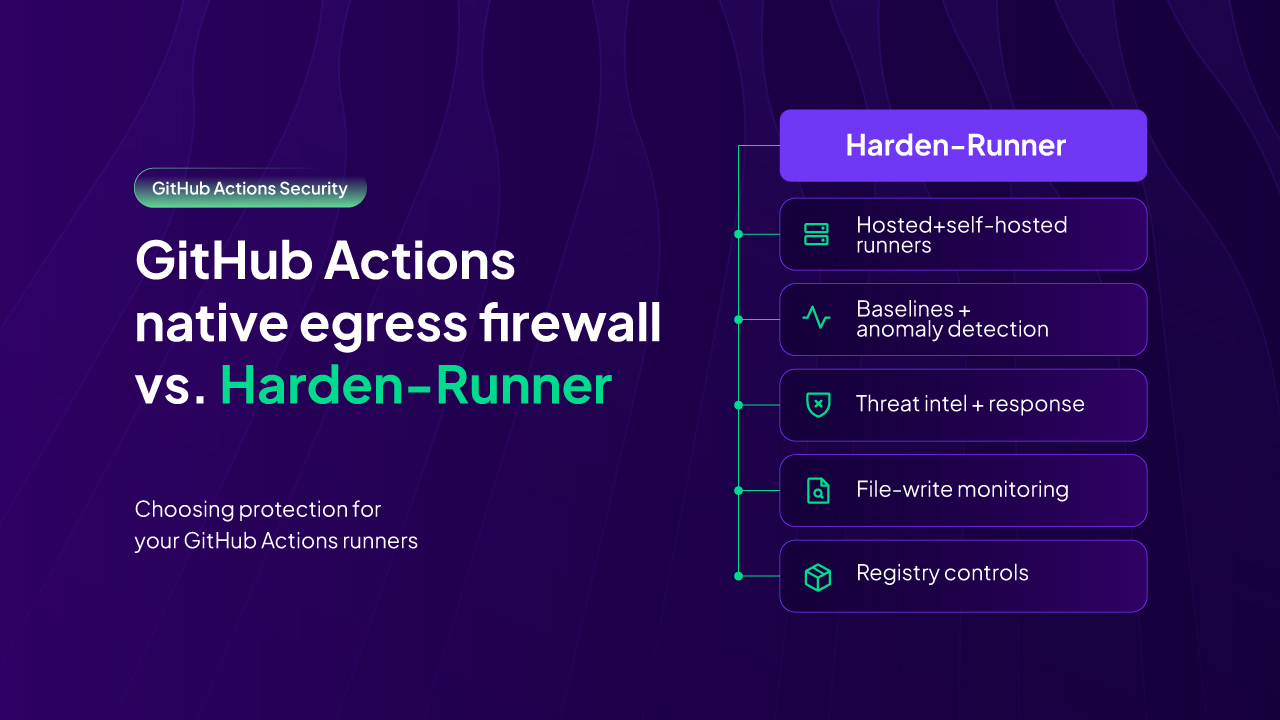
The Affecting You view highlights incidents with evidence of exposure: a compromised package found in a repository's open pull request or default branch, or an indicator of compromise observed in Harden-Runner runtime data. Teams can follow those matches to the relevant repository or workflow run.
Threat notifications can reach teams through configured Slack, email, AWS S3, and webhook integrations. The compromised-components API also returns affected packages and versions for an incident, so teams can compare them with their own inventories or feed them into response tooling. Threat Center and this API are available to enterprise customers.