Executive Summary
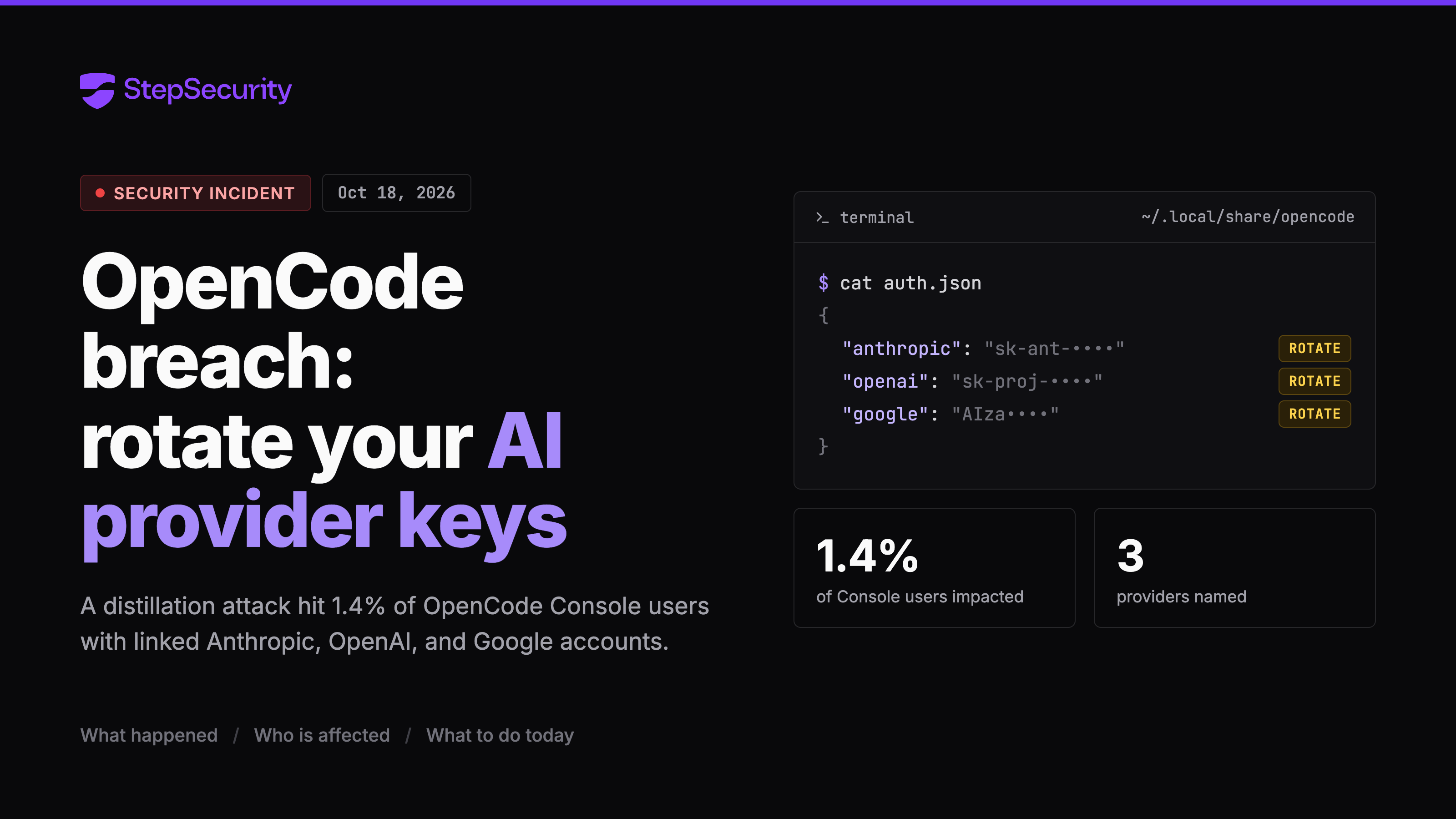
On October 18, 2026, OpenCode, the open source AI coding agent, disclosed a security breach tied to what it calls a large scale distillation attack. OpenCode says the breach affected 1.4% of OpenCode Console users, specifically those who had external AI providers linked. The providers named are Anthropic, OpenAI, and Google.
OpenCode says it notified every impacted user by email on the morning of October 18. According to the vendor, if you did not receive an email, you were not impacted. The incident is ongoing, and OpenCode has not published a root cause or said what data was accessed.
OpenCode posted the following statement on X:
We had a security breach last night related to a large scale distillation attack that impacted 1.4% of OpenCode Console users. We have notified them all this morning via email. The incident is ongoing so we cannot share more details at this point but we are working with Anthropic, OpenAI, and Google to remediate

That is the extent of the public information right now. A few points stand out:
- The impact is scoped to OpenCode Console users, not everyone who has the OpenCode CLI installed.
- The affected subset had external providers linked. OpenCode names Anthropic, OpenAI, and Google.
- OpenCode says it emailed every affected user. If you did not get an email, OpenCode says you were not impacted.
- The incident is ongoing, and the vendor has not published a root cause.
Why this matters: developers link AI provider accounts to OpenCode so the agent can call models on their behalf. If those linked credentials were exposed, an attacker can run inference against the victim's provider account. That shows up as unexpected spend and, depending on the provider, access to whatever data those keys can reach. Most security teams do not have a list of which developers run which AI coding agents, so the first job is to find out who has OpenCode installed.
Impacted Versions
OpenCode has not published a list of affected versions. Based on the vendor statement, the breach is tied to OpenCode Console accounts with linked external providers, not to a specific release of the OpenCode CLI. That means the installed version on a developer machine does not by itself tell you whether that developer was impacted.
What does matter is whether a developer has an OpenCode Console account and whether they linked an Anthropic, OpenAI, or Google provider to it. OpenCode stores linked provider credentials on the developer's machine at ~/.local/share/opencode/auth.json on macOS and Linux, and at %USERPROFILE%\.local\share\opencode\auth.json on Windows. If that file exists and lists a provider, that developer has a linked provider and should be treated as potentially affected until OpenCode's email confirms otherwise.
We will update this section if OpenCode publishes affected versions or narrows the scope.
Recovery Steps for Community Users
If you are not a StepSecurity customer, here is how to find OpenCode in your environment and respond. Both ways of finding it are free.
Find OpenCode manually. On each developer machine, check for the OpenCode binary and its data directories. On macOS and Linux:
which opencode
ls ~/.opencode/bin/opencode
ls ~/.config/opencode
ls ~/.local/share/opencode/auth.json
On Windows, check for opencode.exe on the PATH and look under %USERPROFILE%\.config\opencode and %USERPROFILE%\.local\share\opencode. If any of those exist, OpenCode is installed. Manual checks work for a few machines but depend on every developer running the commands and reporting back.
Or find OpenCode with the open source Dev Machine Guard. StepSecurity Dev Machine Guard is open source and free for community users. It scans a developer machine for AI coding agents, MCP servers, IDE extensions, and risky package-manager settings, and it detects OpenCode out of the box.
- Download the binary for your platform from the GitHub releases page. No account or sign-up is needed.
- Run it. The scan takes a few seconds on macOS, Windows, or Linux.
- Look at the AI Agents and Tools section of the output. If OpenCode is installed, it is listed there with its version, binary path, and config directory.
The source is at github.com/step-security/dev-machine-guard.
Then, for every developer who has OpenCode installed:
- Check for an email from OpenCode. OpenCode says it notified every affected user by email on the morning of October 18. No email means not impacted, according to the vendor.
- Check which providers are linked. Run
cat ~/.local/share/opencode/auth.json(or open the Windows path above). Every provider listed in that file is a credential worth rotating. - Rotate linked API keys. Rotate any Anthropic, OpenAI, or Google API keys that were connected to OpenCode or the OpenCode Console. Then review the usage dashboard for each provider and look for requests the developer did not make.
Recovery Steps for StepSecurity Enterprise Customers
StepSecurity customers can answer "who has OpenCode?" from the console without asking developers to run anything, and the incident is already tracked in the Threat Center.
Dev Machine Guard
Enterprise customers deploy Dev Machine Guard across their developer machines through their MDM, and every machine reports its inventory to the StepSecurity console. Open the Coding Tools page for your organization, replacing your-org with your organization name:
https://app.stepsecurity.io/dev-machine-guard/your-org/coding-tools?search=opencode
The page is filtered to OpenCode and shows how many devices have it installed. Click on OpenCode and the row expands to show exactly which users and which devices are running OpenCode in your environment, along with the installed version on each device. Use the export button if you want a CSV for your incident response team.


If you have not yet rolled out Dev Machine Guard, deploy it using the operating-system-specific install script in your console at https://app.stepsecurity.io/dev-machine-guard/your-org/install-script. Once machines report in, the Coding Tools page fills in on its own.
Dev Machine Guard tells you who has the OpenCode CLI installed. It does not tell you whether a developer has an OpenCode Console account or which providers they linked. For every developer on the list:
- Check for an email from OpenCode. OpenCode says it notified every affected user by email on the morning of October 18. No email means not impacted, according to the vendor.
- Check which providers are linked. Run
cat ~/.local/share/opencode/auth.jsonon macOS or Linux, or open%USERPROFILE%\.local\share\opencode\auth.jsonon Windows. Every provider listed in that file is a credential worth rotating. - Rotate linked API keys. Rotate any Anthropic, OpenAI, or Google API keys that were connected to OpenCode or the OpenCode Console. Then review the usage dashboard for each provider and look for requests the developer did not make.
Threat Center
All StepSecurity customers have access to the Threat Center in the console. We have added a threat entry for this incident. It carries the vendor statement, severity, status, and an "Am I Impacted?" section that links straight to the OpenCode device list for your organization. We will update the entry as OpenCode shares more.

To find it, open Threat Center from the left menu of the console and look for "OpenCode Security Breach". If you have deployed Dev Machine Guard, the link in the "Am I Impacted?" section takes you to the same Coding Tools page described above. If you have not, the entry links to the install script for your organization.
Conclusion
OpenCode has confirmed a breach affecting Console users with linked AI providers, notified those users by email, and said the incident is ongoing. Until the vendor publishes more, the practical response is the same for everyone: find out who has OpenCode installed, check whether they linked a provider, and rotate the keys that were linked.
Community users can do that with the free, open source Dev Machine Guard scan. StepSecurity customers can do it from the Coding Tools page and the Threat Center without asking developers to run anything. If you are not a customer and want fleet-wide visibility, you can start a 14-day free trial by installing the StepSecurity GitHub App and deploying Dev Machine Guard through your MDM using the installation script.
We will keep this post updated as OpenCode and the named providers share more. If you have questions about your own exposure, reach out to us at support@stepsecurity.io or through your shared Slack channel.