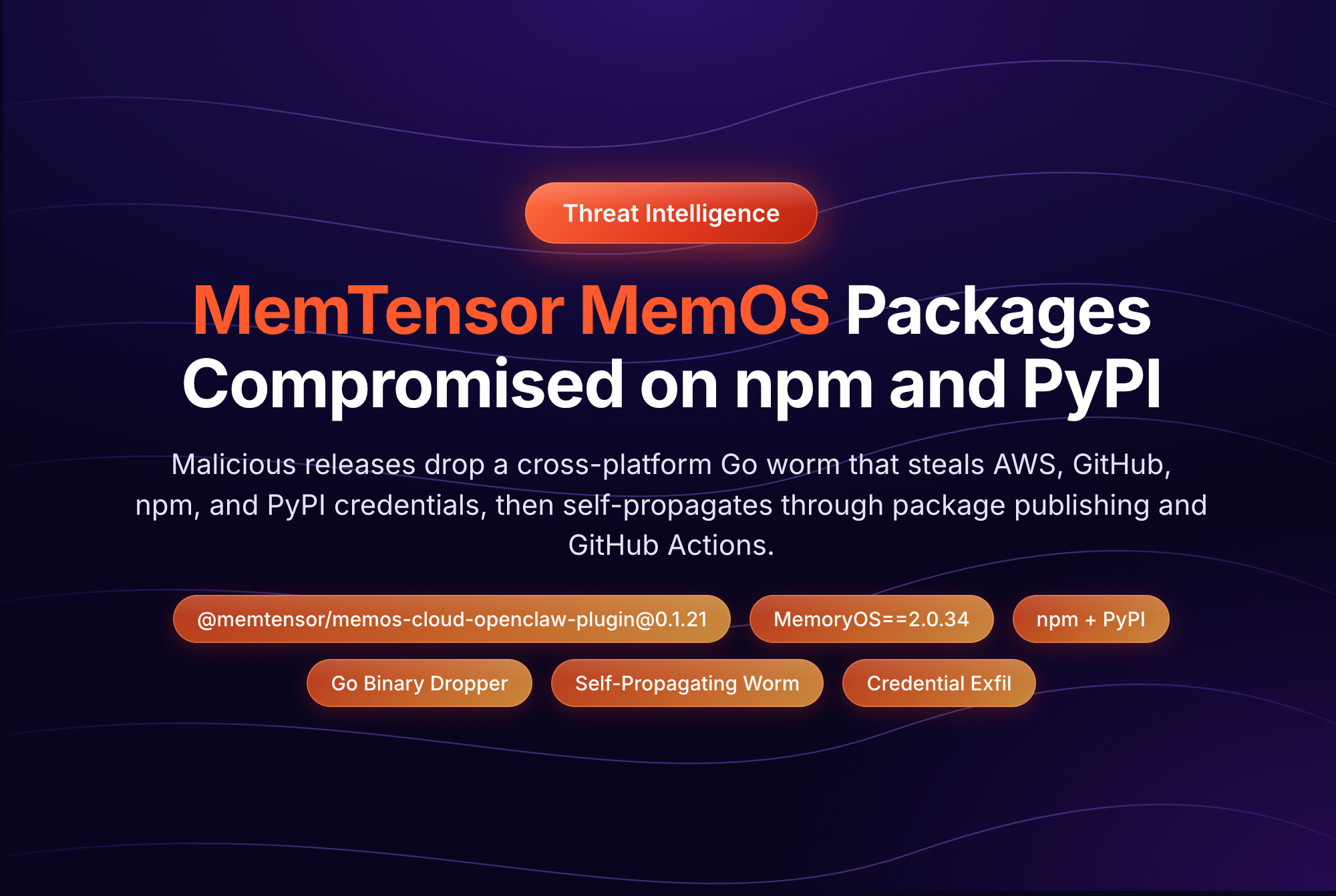
On June 17, 2026, an attacker compromised the @mastra npm organization and quietly added easy-day-js, a typosquat of the popular dayjs date library, as a dependency across more than 140 packages in the Mastra AI framework ecosystem. The malicious version carried an obfuscated postinstall dropper that pulled a second-stage payload from an attacker-controlled server and then deleted itself to erase the evidence. Packages with a combined weekly download count north of 1.1 million were exposed before the campaign was caught. (See our full analysis of the Mastra npm supply chain attack.)
When an incident like this breaks, the first question every security team asks is not "what was the payload?" It is "where did it land?" Which developer laptops ran npm install against the bad version? Which CI pipelines pulled it into a build? Until you can answer that, you cannot scope the blast radius, you cannot prioritize remediation, and you cannot tell leadership the incident is contained.
This is not a one-off problem. The following week, on June 24, two GitHub Actions, codfish/semantic-release-action and simonecorsi/mawesome, were compromised within hours of each other. The pattern is clear: malicious package versions reach real environments faster than humans can react, and the environments that pulled them are exactly what you need to find first.
This is not a one-off problem. The following week, on June 24, two GitHub Actions, codfish/semantic-release-action and simonecorsi/mawesome, were compromised within hours of each other. The pattern is clear: malicious package versions reach real environments faster than humans can react, and the environments that pulled them are exactly what you need to find first.
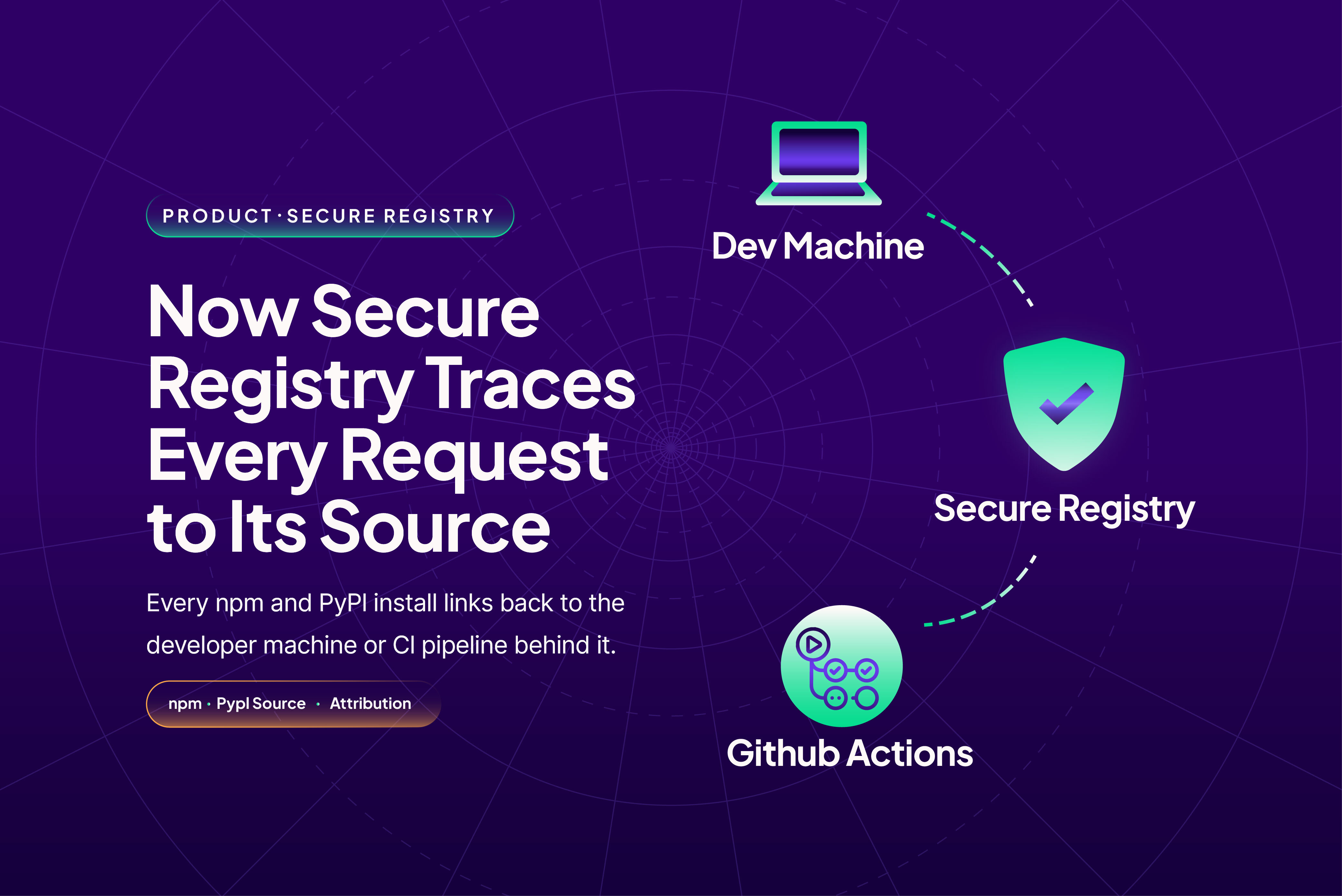
Secure Registry now attributes every request to its source
Secure Registry is StepSecurity's authenticated upstream registry. Every npm and PyPI request from your developers, CI runners, and artifact managers flows through it and is evaluated against your security controls before a response is returned. Each evaluation is recorded in an audit log.
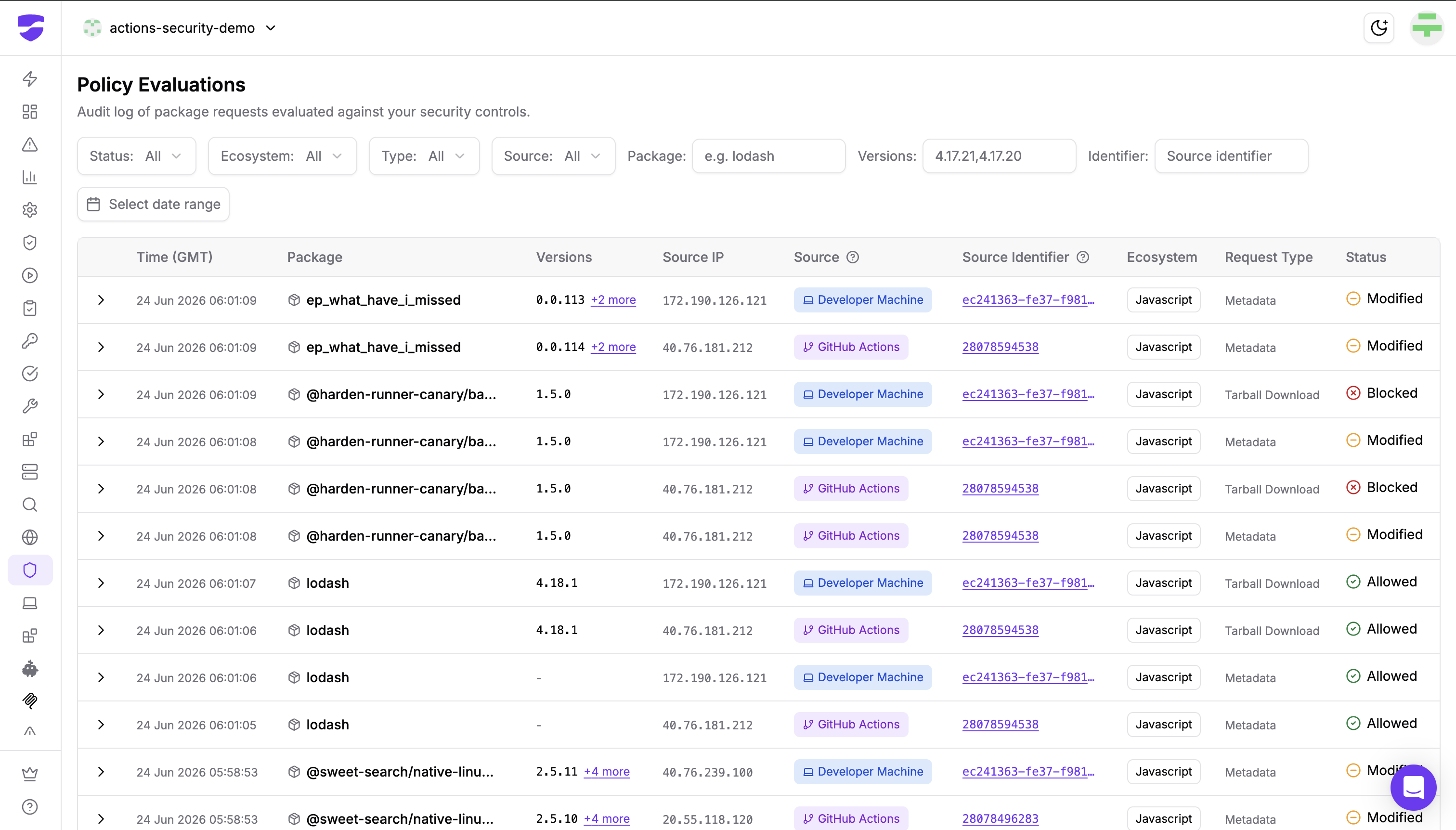
That log now answers the "where did it land?" question directly. Two new columns, Source and Source Identifier, attribute every request to the exact machine or pipeline that made it:
- A request from a developer machine links straight to that device's page, where you can inspect its installed IDE extensions, AI agents, MCP servers, OSS packages, and any suspicious files. If a laptop pulled a compromised package, you can pivot from the log entry to the full picture of that machine in one click.

- A request from GitHub Actions links to the corresponding Harden-Runner workflow run, so you can see the run's outbound network destinations, file write events, and detections alongside the package request.
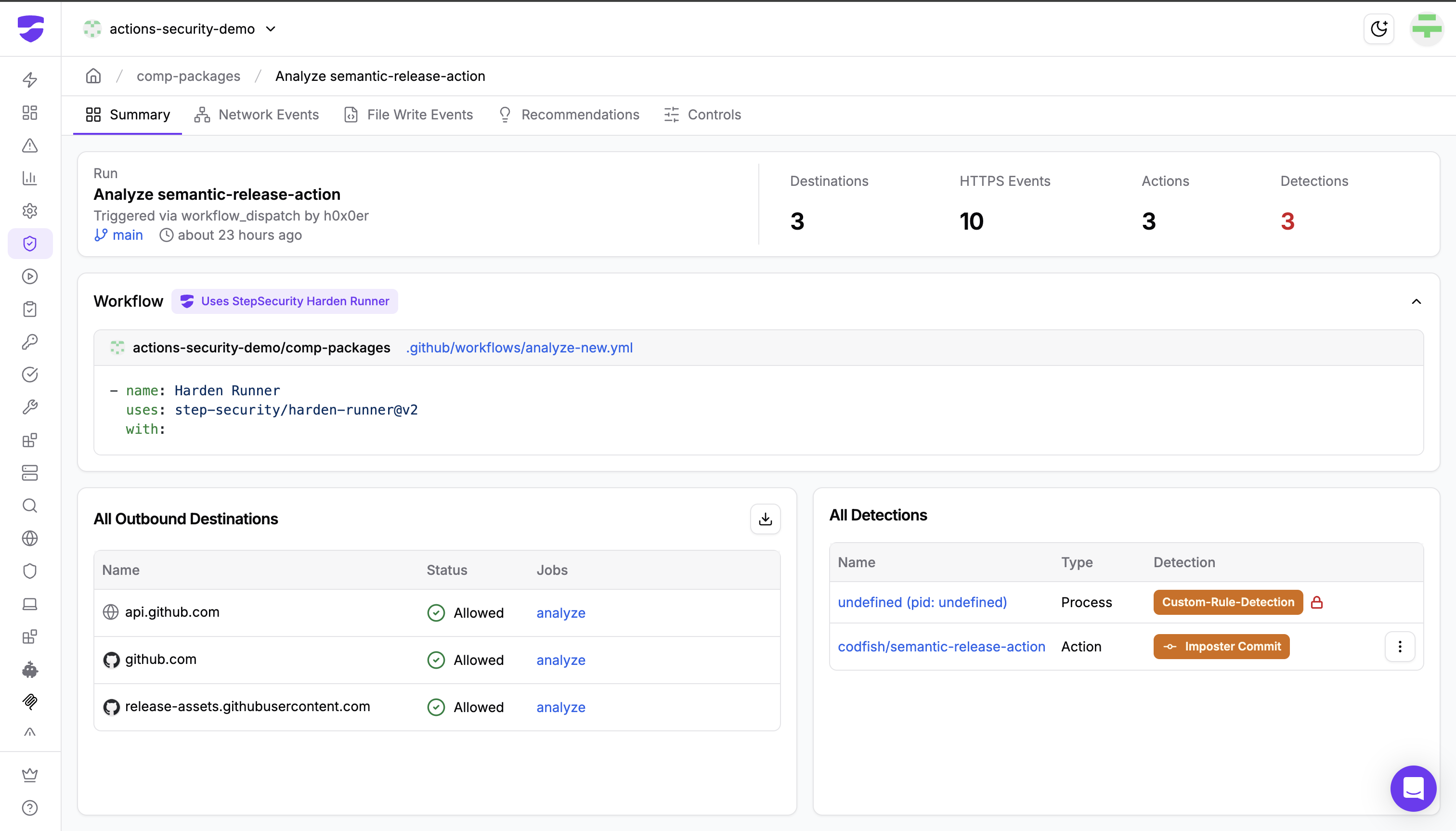
Instead of grepping through scattered install logs across a fleet, you filter the Policy Evaluations log by package and version, and every affected machine and pipeline is named, linked, and ready to investigate.
Follow this interactive demo to see how this works:
Why this matters for both security and platform teams
For security teams, attribution turns incident response from guesswork into a query. When the next compromised package hits, you scope the blast radius in minutes: filter to the package, read off the sources, open each device or workflow run, and remediate. No agent rollout, no fleet-wide log aggregation project.
For platform and developer experience teams, attribution gives you visibility into how packages actually move through your organization without adding friction to developer workflows. Requests keep flowing through the same registry endpoint; the only change is that you can now see who is behind each one.
How it works
Attribution is opt-in and takes one line of configuration. You append an identifier suffix to your registry auth token: a device serial for developer machines, or a workflow-derived identifier for CI pipelines. Requests without a suffix keep working exactly as before; they simply appear in the log without a source.
The full setup, including the token formats for developer machines and CI/CD pipelines, is in the Secure Registry Setup Guide.
Get started
If you already use Secure Registry, the Source and Source Identifier columns are live in your Policy Evaluations log today. Add the identifier suffix to your tokens to start attributing requests.
If you are not yet using StepSecurity, install the StepSecurity GitHub App to start a 14-day free trial. You get install-time protection against compromised, typosquatted, and freshly published packages, with source attribution built in, so every request traces back to the developer machine or pipeline behind it.