.png)
Following Trivy's compromise, StepSecurity's AI Package Analyst flagged suspicious new releases across multiple npm scopes — revealing CanisterWorm, a self-propagating npm worm deployed by the TeamPCP threat actor. The worm is a direct continuation of the second Trivy compromise (v0.69.4): attackers embedded a credential harvester in Trivy's CI/CD toolchain, stole npm tokens from affected pipelines, then used those tokens to publish backdoored patch versions across every namespace they could reach — including the @opengov scope (16+ packages).
Each compromised version installs a persistent Python backdoor via a postinstall hook, establishes a systemd user service for persistence without root, and polls a command-and-control endpoint hosted on the Internet Computer blockchain — making it highly resistant to takedown. A separate worm component harvests npm tokens from the victim machine and autonomously republishes the malware to every package it can reach, continuing the spread. A second-stage payload delivered via the C2 carries destructive Kubernetes capabilities and filesystem wipe logic for geopolitically targeted victims.
How We Detected It
StepSecurity's AI Package Analyst monitors every new npm publish in real time, comparing new versions against the full release history of each package to identify behavioral anomalies. Alerts began arriving for packages across multiple npm scopes — each flagged with the same consistent high-confidence signals
- A
postinstallscript appeared for the first time in the package's history. Every prior version of@opengov/form-buildercontained no install scripts. Version0.12.3added"postinstall": "node index.js"— code that executes automatically on everynpm installbefore any human can review it. - A base64-encoded payload embedded in
index.js. The file contains a hardcodedBASE64_PAYLOADconstant — the entire Python backdoor encoded as a single base64 string to evade static analysis. Standard scanners that don't decode embedded payloads would miss it entirely. The analyst decoded and analyzed it in full, revealing the C2 URL and execution logic. - Active credential harvesting. The decoded payload includes a
findNpmTokens()function that reads npm authentication tokens from~/.npmrc, project-level.npmrc,/etc/npmrc, environment variables, and a livenpm config getquery — passing them directly to a propagation script.
The same fingerprint repeated across multiple scopes. This was not a one-off account compromise — it was a coordinated worm deployment.


The Backstory: How CanisterWorm Gets In
To understand how so many npm scopes became infected, you need to understand how TeamPCP built this worm — and where it got the keys.
The Trivy Connection
In early March 2026, attackers with access to Aqua Security's GitHub organization published Trivy release v0.69.4 — a malicious binary with a hardcoded connection to the typosquat domain scan.aquasecurtiy.org. They also compromised the trivy-action and setup-trivy GitHub Actions, embedding credential-harvesting payloads that read CI/CD environment variables and runner process memory via /proc/<pid>/mem.
Trivy is used in a massive number of security scanning pipelines. Any workflow that ran the compromised action or binary during its exposure window had every secret in its environment — including NPM_TOKEN values — exfiltrated and encrypted with the attacker's RSA-4096 public key.
Those stolen npm tokens are CanisterWorm's fuel.
The Worm Deploys
With npm publishing credentials in hand, the attacker did not simply backdoor one or two high-profile packages and disappear. They deployed a self-replicating worm designed to maximize reach across every namespace those tokens could touch.
Inside CanisterWorm: How It Works
Stage 1 — The Postinstall Hook
The entry point is disarmingly simple. The compromised package versions add a postinstall script to package.json:
"scripts": {
  "postinstall": "node index.js"
}
This fires automatically on every npm install — before any application code runs, before any human reviews output. The victim only needs to install the package. There is nothing to click, no file to open, no permission to grant.
Stage 2 — Establishing Persistence
The index.js payload uses obfuscated Node.js to write a Python backdoor to disk. Two files are created:
~/.local/share/pgmon/service.py— the Python implant~/.config/systemd/user/pgmon.service— a systemd user service configured withRestart=always
No root is required. The service starts automatically on login and restarts on failure, surviving reboots indefinitely. On a developer's machine that regularly runs npm install as part of normal work, this backdoor would be entirely invisible.
Stage 3 — The Internet Computer Canister C2
Once the systemd service is running, service.py begins polling a command-and-control endpoint hosted on the Internet Computer Protocol (ICP) blockchain:
https://tdtqy-oyaaa-aaaae-af2dq-cai.raw.icp0.io/The implant checks in approximately every 50 minutes, downloads second-stage binaries to /tmp/pglog, and tracks what it has already retrieved in /tmp/.pg_state.
Why ICP? An Internet Computer canister has no central server to seize, no domain registrar to receive abuse complaints, no hosting provider to respond to a takedown. Traditional blocking and disruption approaches do not apply. The attacker deliberately chose this infrastructure to make the C2 channel resilient against the security community's response.
Stage 4 — Self-Propagation: The Worm Component
This is what makes CanisterWorm a worm and not just a backdoor. Before the Python service even starts polling its C2, a detached background process — deploy.js — gets to work on the victim's machine
- Credential harvest: Scans
~/.npmrc, environment variables (NPM_TOKEN,NPM_TOKENS), and npm config for publishing tokens - Scope enumeration: Queries npm to discover every package the stolen token can publish to
- Version bump and republish: Increments the patch version of each discovered package, injects the CanisterWorm payload, and republishes with
--tag latest - The worm spreads: Every new developer who installs those packages becomes a new victim — and a new propagation vector
This is how the @emilgroup and @opengov scopes became infected. A developer or CI/CD pipeline with access to those npm namespaces ran a compromised Trivy workflow. Their tokens were stolen. CanisterWorm did the rest.
Stage 5 — The Destructive Payload
The second-stage payload delivered via ICP is not passive. Depending on what the implant detects about its environment, the consequences range from credential theft to full infrastructure destruction.
For Kubernetes targets, the payload deploys a privileged DaemonSet — host-provisioner-iran — with tolerations: [operator: Exists] to guarantee scheduling on every node in the cluster. For victims outside the targeting window, the payload exits silently, leaving the persistence backdoor fully operational for future use.
Important: The silent exit for non-targeted victims does not mean safety. The systemd service and ICP polling backdoor remain fully active. The attacker retains access regardless of whether the destructive payload fires.
Indicators of Compromise
Network
tdtqy-oyaaa-aaaae-af2dq-cai.raw.icp0.io— ICP canister C2 endpointscan.aquasecurtiy.org— Trivy-stage exfiltration domain (typosquat of aquasecurity.org)
Host Artifacts
~/.local/share/pgmon/service.py— Python implant (presence confirms malware executed)~/.config/systemd/user/pgmon.service— systemd persistence unit/tmp/pglog— second-stage binary drop location (presence confirms C2 delivery)/tmp/.pg_state— download state tracker
Kubernetes
- DaemonSet
host-provisioner-iraninkube-system - DaemonSet
host-provisioner-stdinkube-system
What You Should Do
If you have installed any package flagged in the AI Package Analyst feed:
- Check immediately for backdoor artifacts:
~/.local/share/pgmon/service.pyand~/.config/systemd/user/pgmon.service— their presence confirms the malware executed - Check for
/tmp/pglog— its presence means a second-stage payload was downloaded and run - Rotate every npm token that was present on the affected machine or in any CI/CD environment that ran these packages
- Rotate all other secrets (AWS credentials, Docker tokens, GitHub PATs) accessible at the time of installation — assume they were exfiltrated
- Review outbound network logs for connections to
tdtqy-oyaaa-aaaae-af2dq-cai.raw.icp0.io - Pin affected dependencies to the last confirmed clean version until maintainers publish remediated releases
How StepSecurity Helps
StepSecurity provides end-to-end npm supply chain security across three pillars: Prevent, Detect, and Respond. Here's how each would have helped in this attack — and how they protect you against the next one. (Full documentation)
Prevent — Block Malicious Packages Before They Enter Your Codebase
- npm Package Cooldown Check — Newly published npm packages are temporarily blocked during a configurable cooldown window. When a PR introduces or updates to a recently published version, the check automatically fails. Since most malicious packages are identified within 24 hours, this creates a crucial safety buffer. In this case,
react-native-country-select@0.3.91andreact-native-international-phone-number@0.11.8would have been blocked from any PR during the cooldown period. - npm Package Compromised Updates Check — StepSecurity maintains a real-time database of known malicious and high-risk npm packages, updated continuously — often before official CVEs. If a PR attempts to introduce a compromised package, the check fails and the merge is blocked.
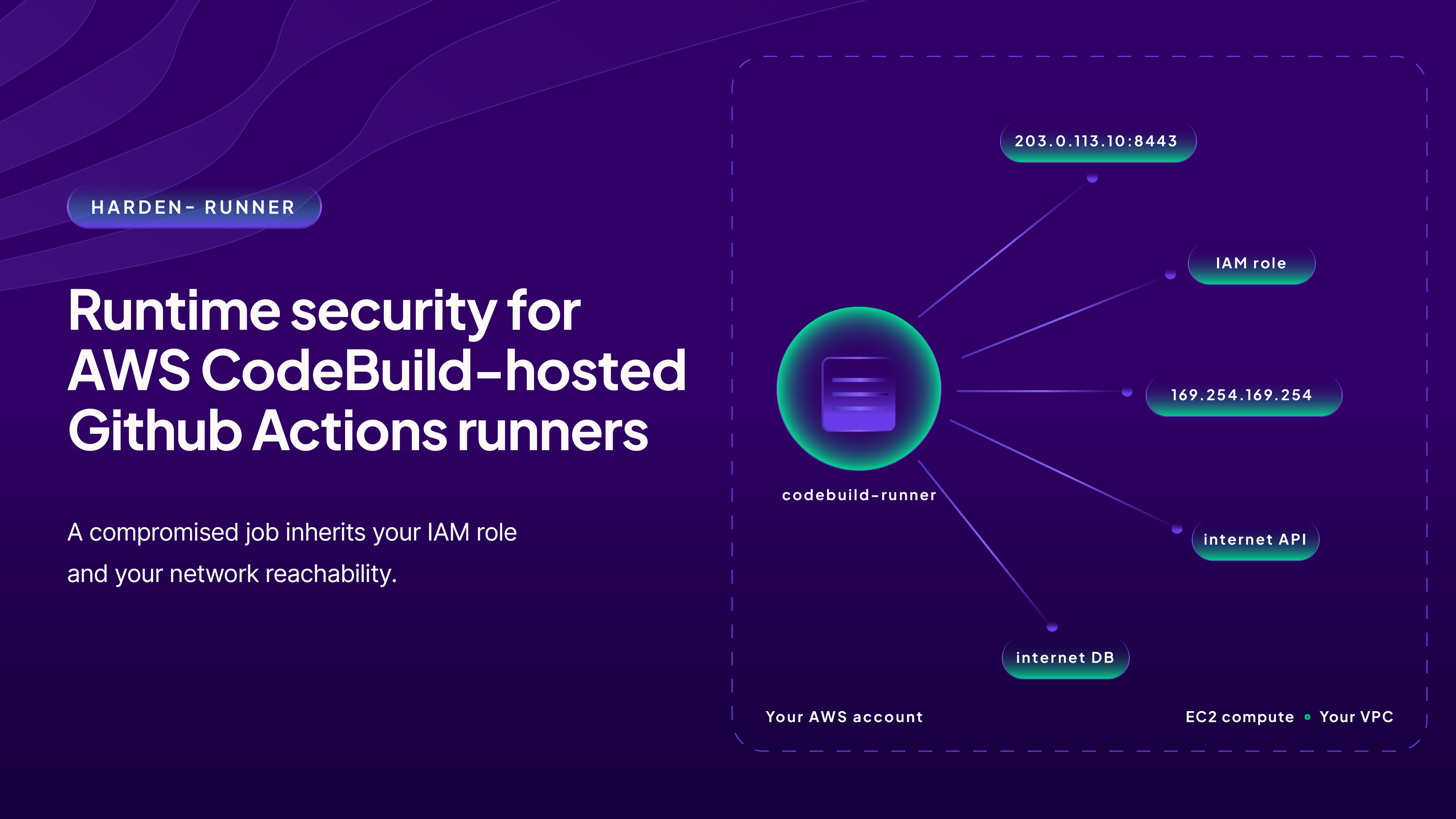
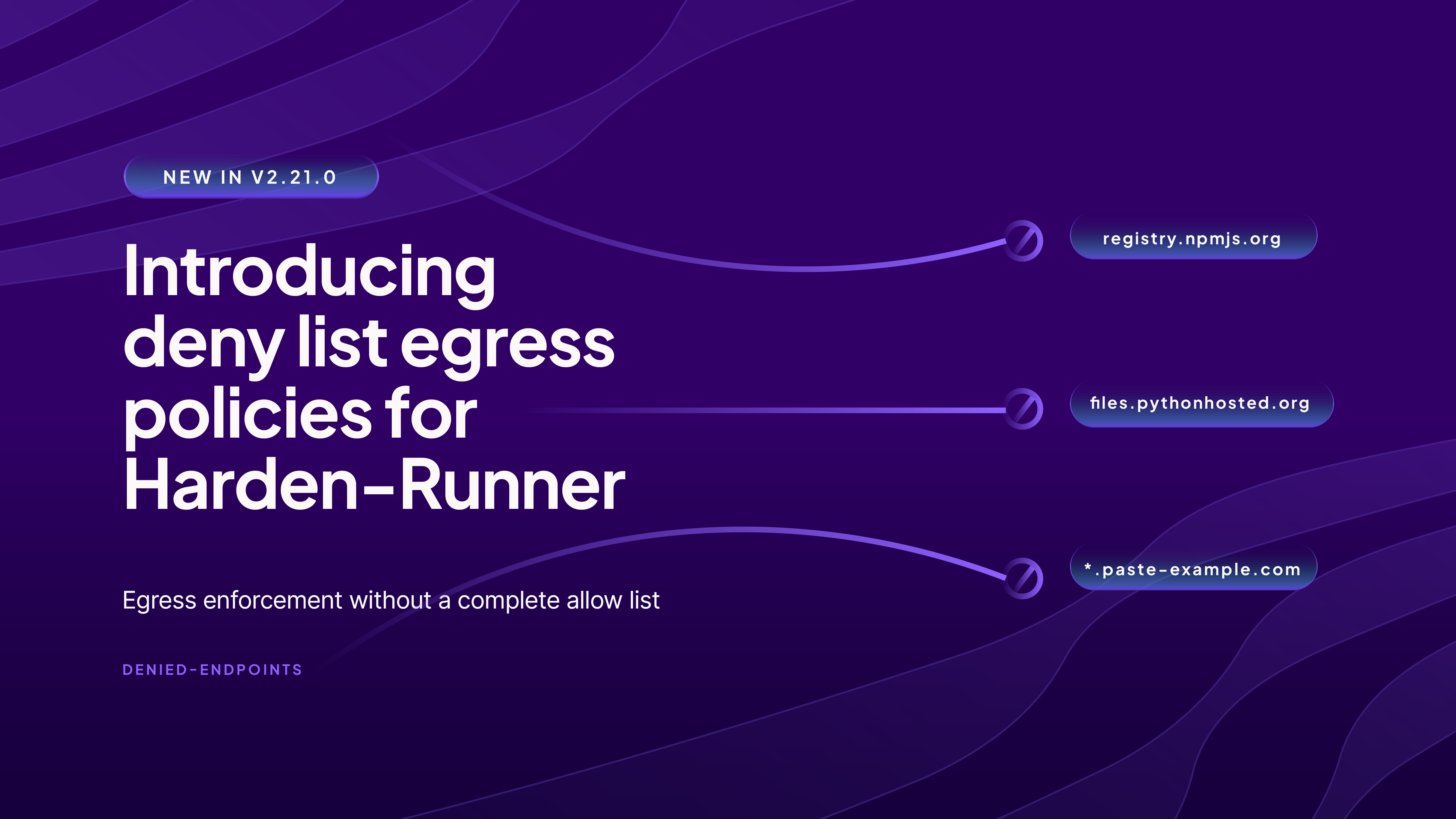
- Harden-Runner Egress Network Restrictions — Filters outbound network traffic during workflow execution, blocking all undeclared endpoints. Both DNS and network-level enforcement prevent covert data exfiltration — the Solana RPC polling and C2 payload fetch in this malware would have been blocked at the network level.
Detect — Continuous Visibility Across PRs, Repos, and Dev Machines
- Threat Intelligence + AI Package Analyst — Continuously monitors the npm registry for suspicious releases. In this case, both packages were flagged within 5 minutes of publication, giving the team time to investigate, confirm malicious intent, and notify the maintainer before the packages could accumulate significant downloads.
- npm Package Search — Search across all PRs in all repositories across your organization to find where a specific package was introduced. When a compromised package is discovered, instantly understand the blast radius — which repos, which PRs, and which teams are affected. This works across pull requests, default branches, and dev machines.
- Harden-Runner Network Baselines — Automatically logs outbound network traffic per job and repository, establishing normal behavior patterns and flagging anomalies. Reveals whether malicious postinstall scripts executed exfiltration attempts or contacted suspicious domains.
Respond — Investigate Incidents and Assess Organization-Wide Impact
- Threat Center — Real-time alerts about compromised packages, hijacked maintainers, and emerging attack campaigns delivered directly into existing SIEM workflows. Alerts include attack summaries, technical analysis, IOCs, affected versions, and remediation steps.
- Coordinated Remediation — Combines threat intel, package search, and network baselines to create a prioritized list of affected repositories with consistent guidance, enabling coordinated fixes across dozens or hundreds of repositories simultaneously.
References
- StepSecurity Blog: Trivy Compromised a Second Time — Malicious v0.69.4 Release
- StepSecurity AI Package Analyst: @opengov scope
- StepSecurity AI Package Analyst: @opengov/form-builder@0.12.3