GitHub has launched a package firewall in public preview. It checks npm packages against an enterprise policy before they install. We welcome this feature. Many recent supply chain attacks run the moment a package is installed, so checking packages first is the right approach.
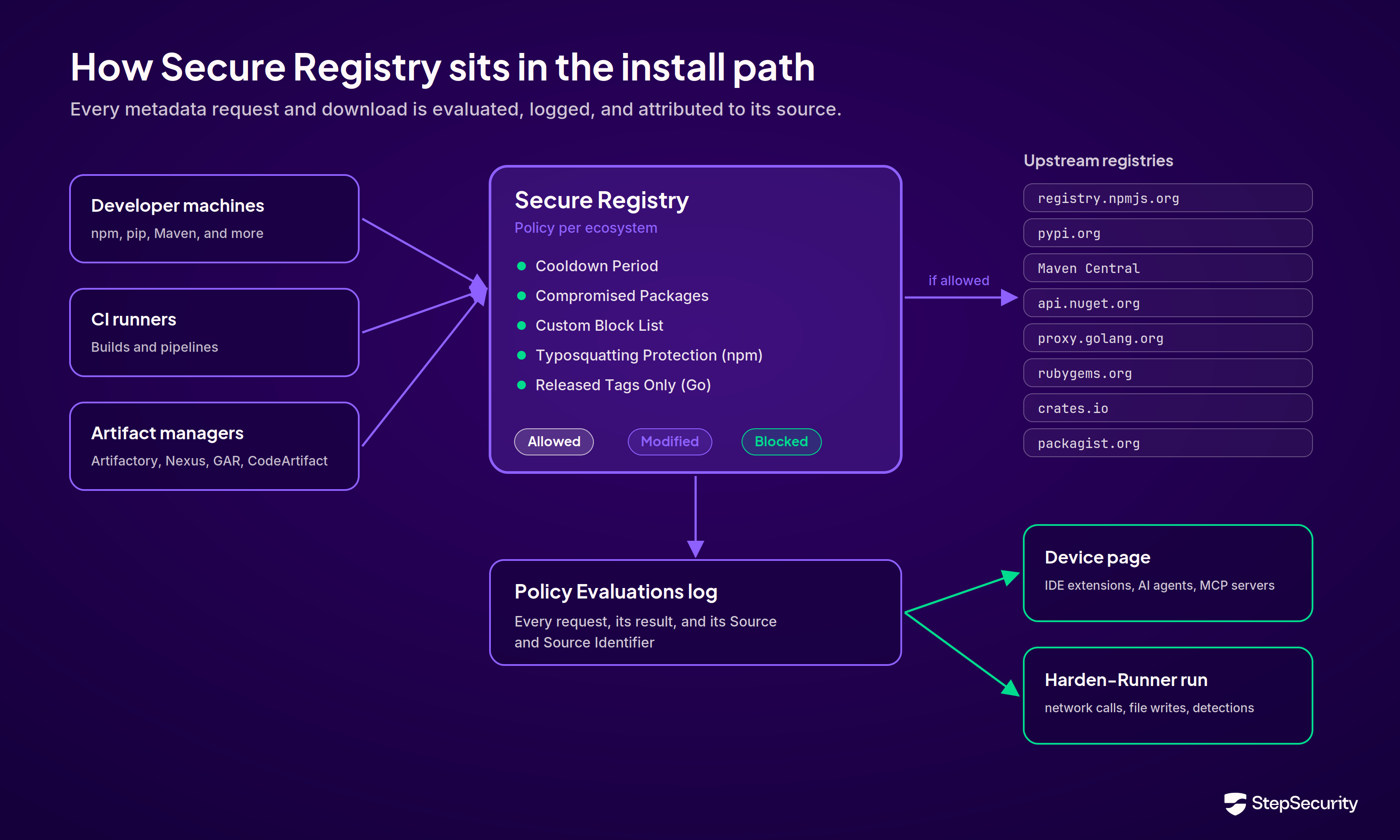
For teams evaluating it, the practical question is how it compares with StepSecurity Secure Registry. Secure Registry sits between your developer machines and CI (Continuous Integration) runners and the public registries, and checks every package request against your policy.
1. Coverage for every major ecosystem
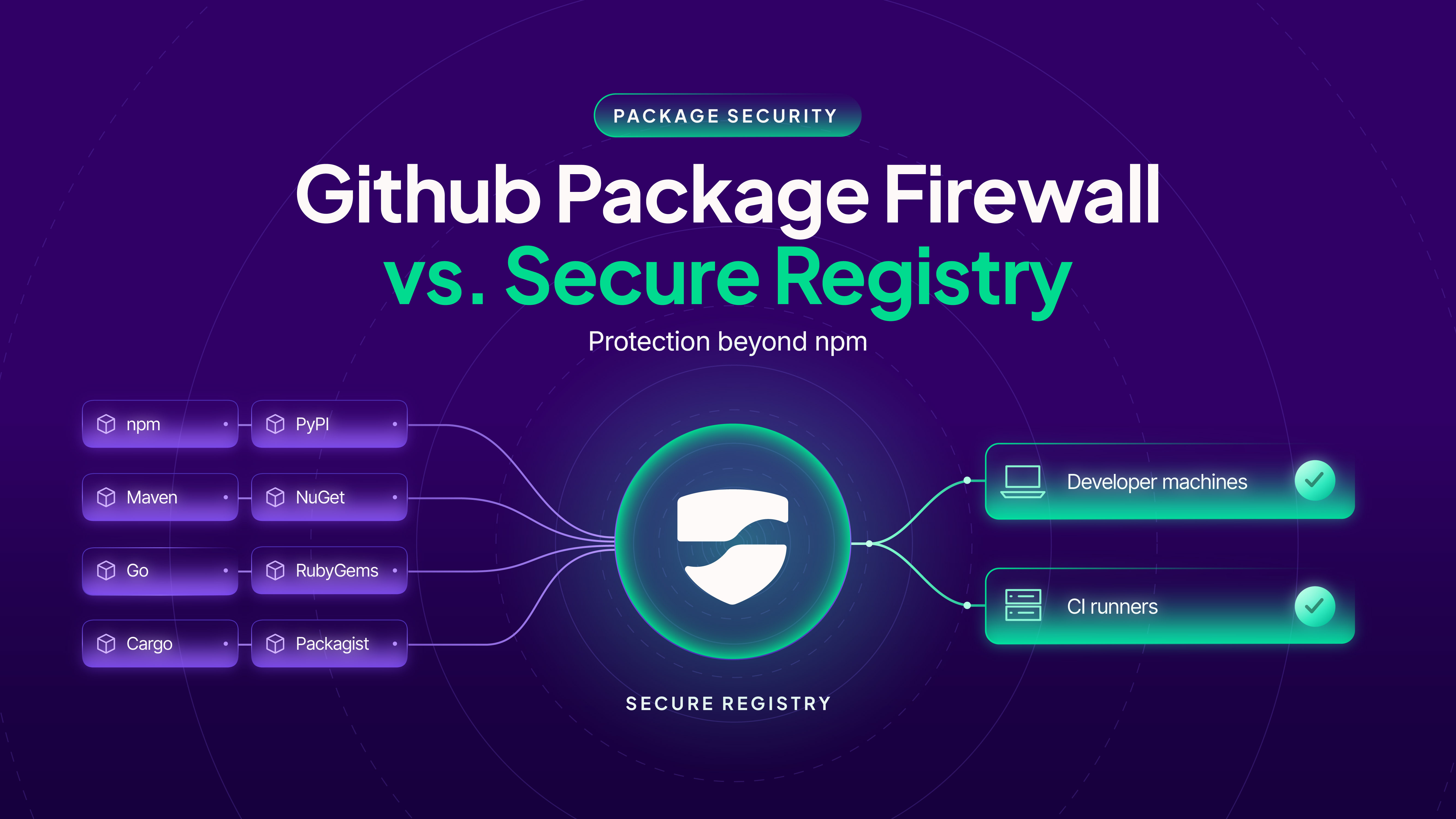
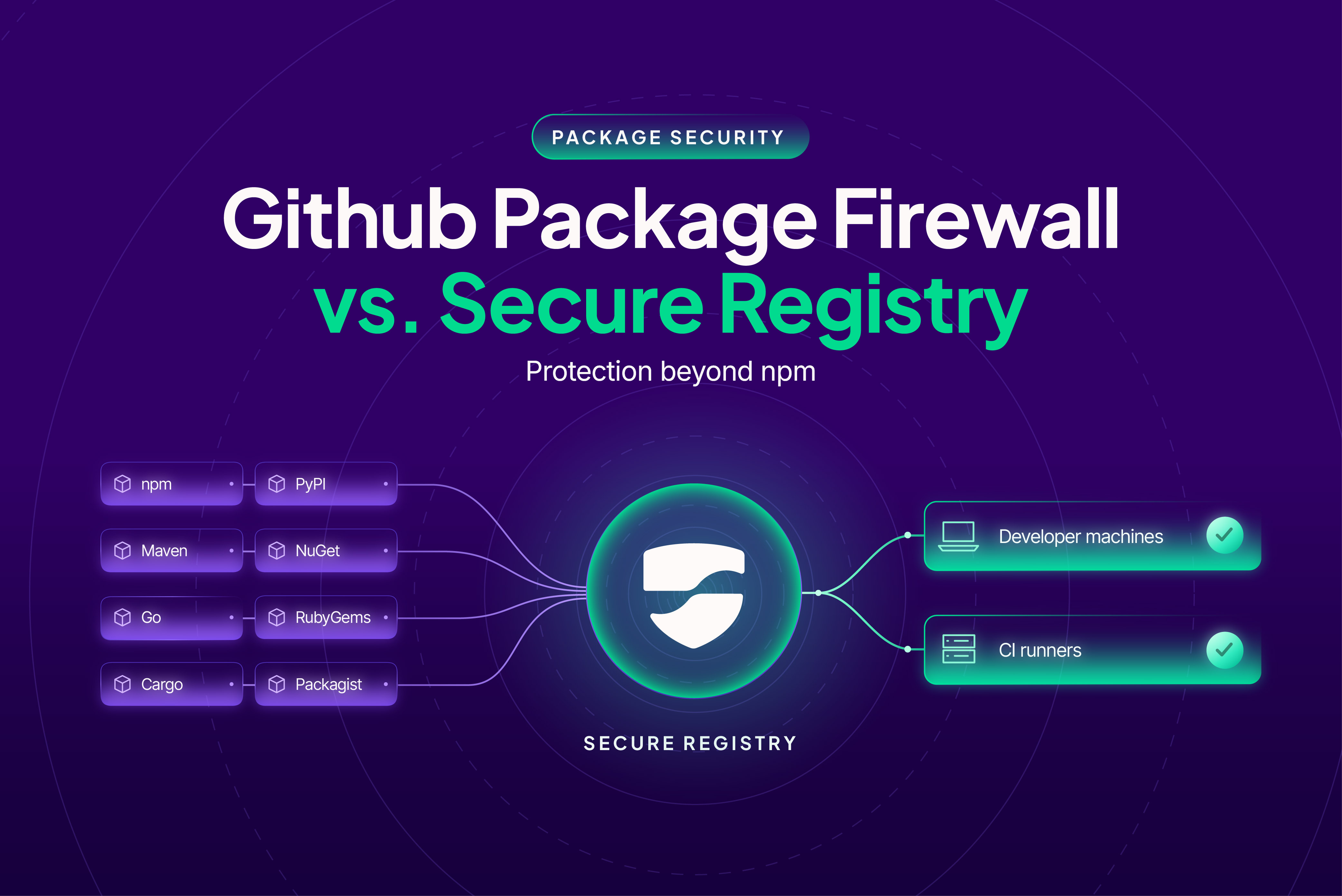
GitHub's firewall supports npm only, and only for GitHub Enterprise Cloud customers. Secure Registry supports npm, PyPI, Maven, NuGet, Go, RubyGems, and Cargo, with Packagist (PHP) in beta.
Attacks hit every ecosystem. In March 2026, compromised releases of litellm on PyPI stole credentials as soon as they were installed.
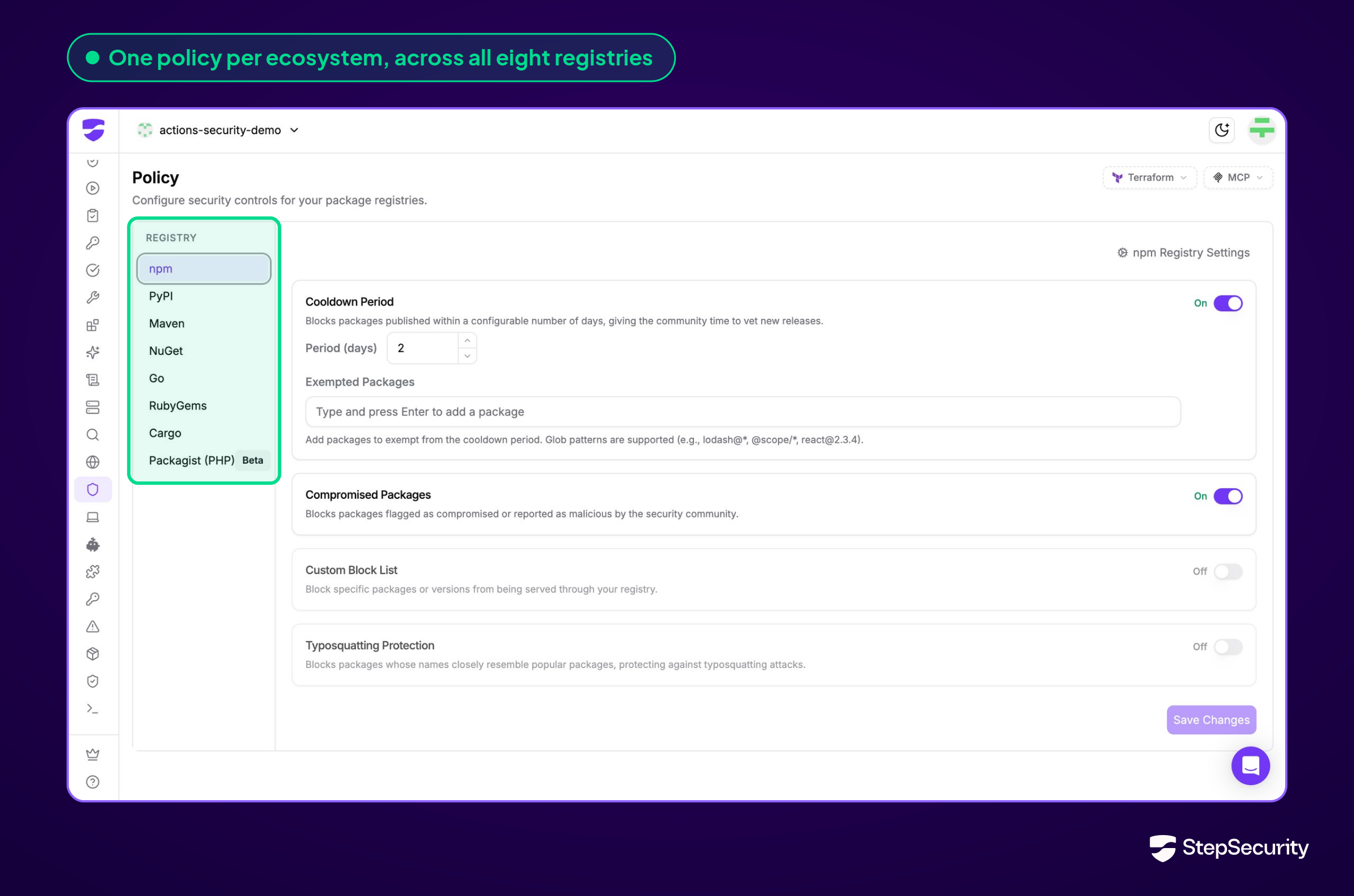
2. Know where a package landed
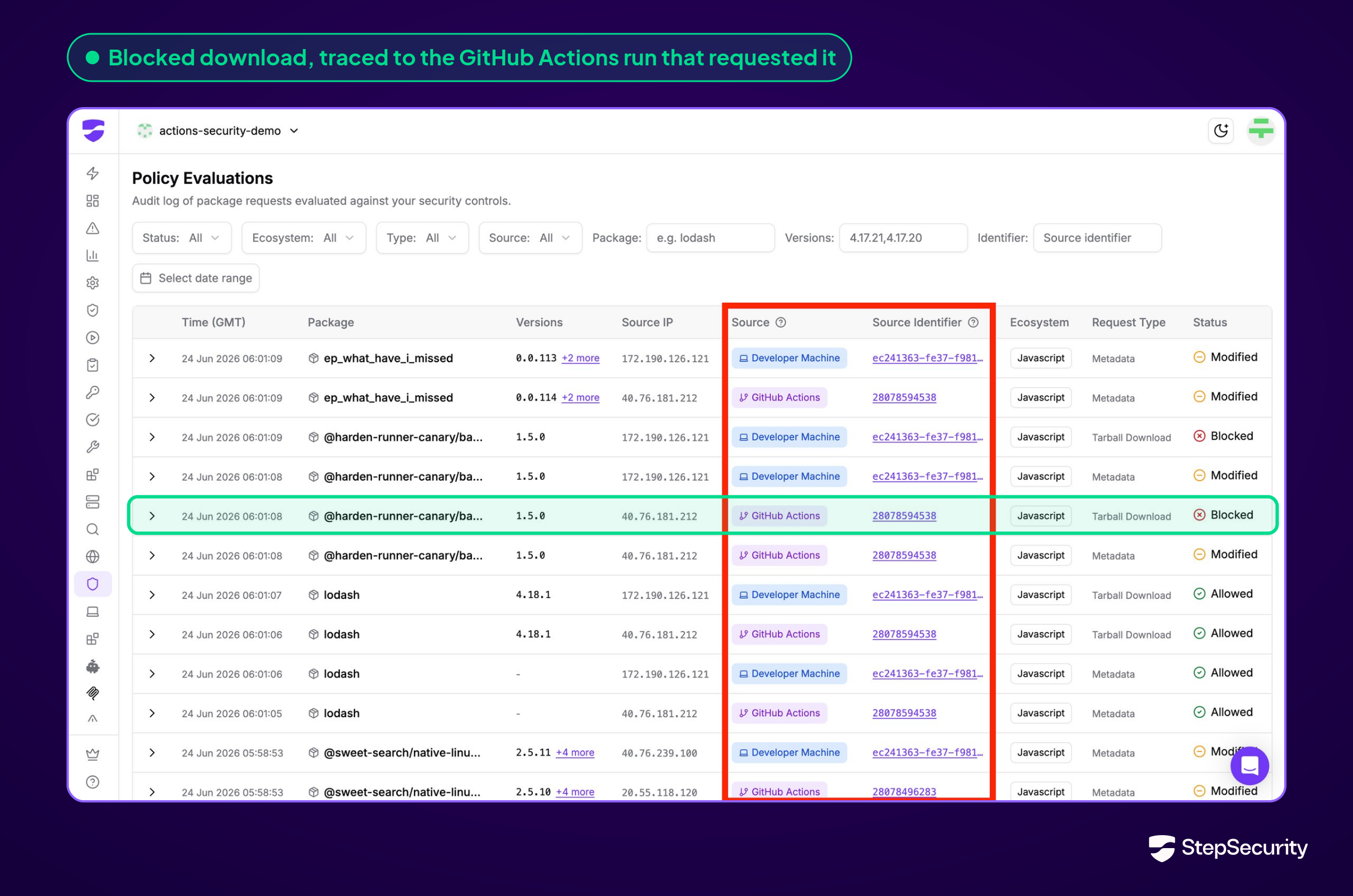
When a package turns out to be malicious, teams need to know where it was installed. Secure Registry logs every request and, with source attribution set up, links each request to the GitHub Actions run or developer machine that made it. See how this worked in the Mastra npm compromise.
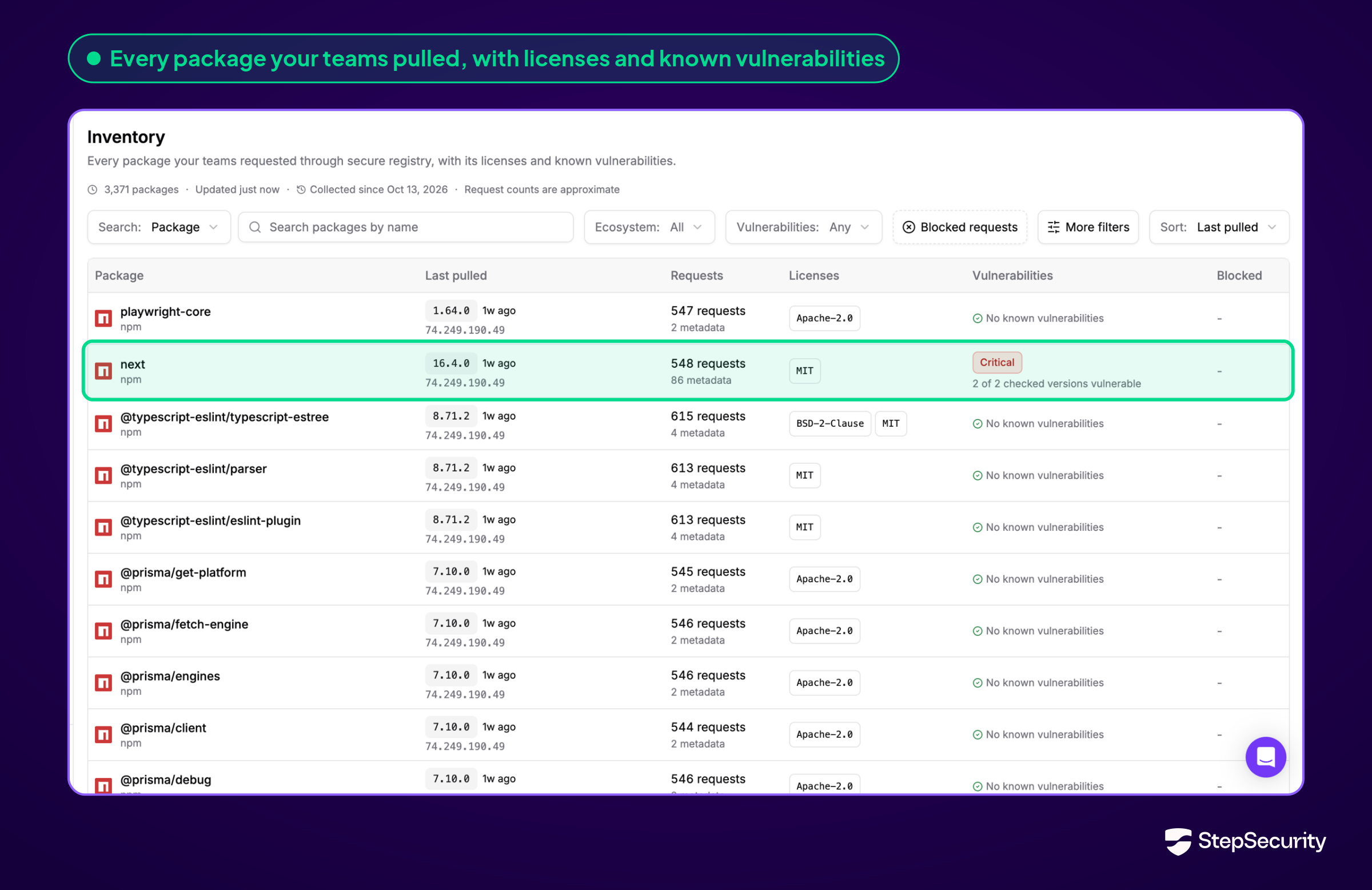
The Inventory lists every package requested through Secure Registry, with its license and known vulnerabilities. Search for a CVE (Common Vulnerabilities and Exposures) ID to find every affected version and who pulled it last.
3. Malicious packages blocked within an hour
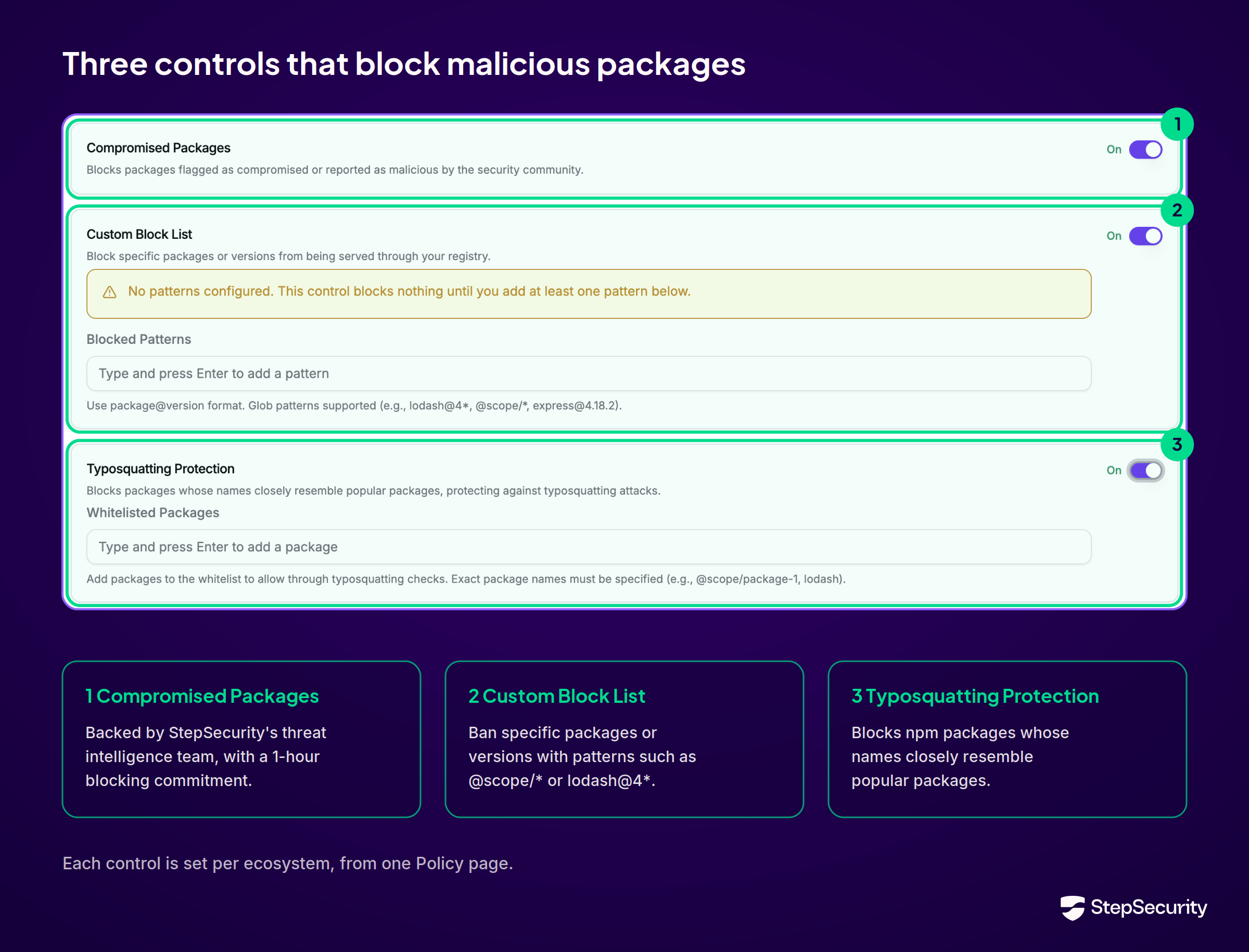
GitHub's firewall blocks packages with a malware advisory in the GitHub Advisory Database. Secure Registry's Compromised Packages control is backed by StepSecurity's threat intelligence team and 24×7 Security Operations Center (SOC). Our Service Level Agreement (SLA) commits to blocking a malicious version within 1 hour of its release. You can also turn on Typosquatting Protection for npm and keep a Custom Block List for your own bans.
4. A cooldown that keeps installs working
A cooldown holds back brand-new versions for a set number of days, so the community has time to check them. With GitHub's firewall, a preview tester reports that npm install fails with an ETARGET error when the newest version is still in the cooldown window.
Secure Registry removes held-back versions from the package metadata and moves latest back to the newest allowed version. A normal install gets that version, and the build keeps going. pip, Maven, and Go installs resolve the same way. Only a request for an exact version that is still in cooldown is blocked.
5. Every machine and pipeline actually uses it
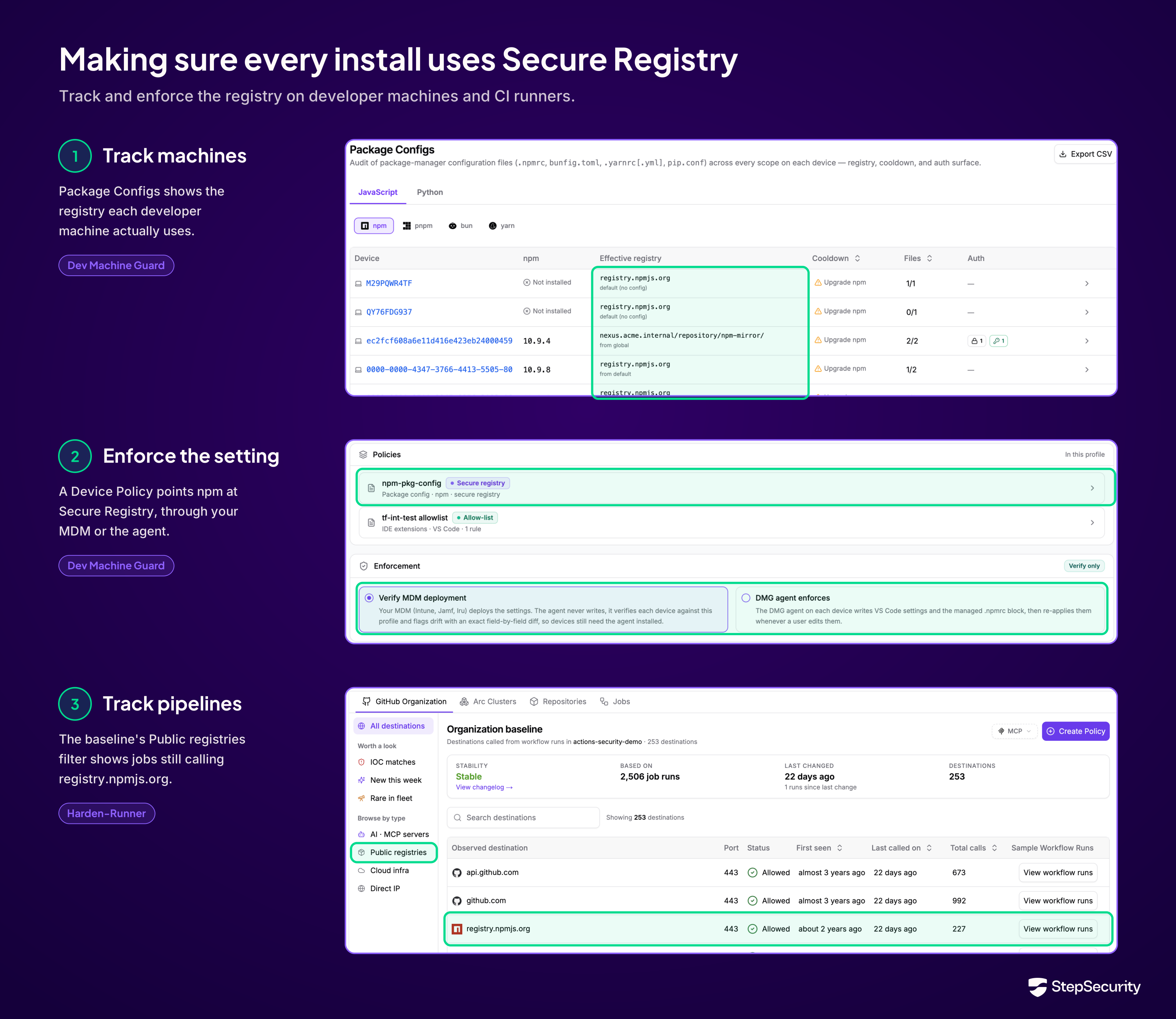
A registry only protects the installs that go through it. GitHub's firewall applies to endpoints whose .npmrc points at it, and its documentation leaves that setup to each machine. It does not describe a way to find machines or jobs that skip the firewall.
StepSecurity tracks and enforces Secure Registry use on both sides:
- Developer machines: Dev Machine Guard's Package Configs page shows the registry each device actually resolves packages from. Device Policy points npm, PyPI, and Go at Secure Registry, through your MDM (Mobile Device Management) or the Dev Machine Guard agent, which re-applies the setting if a developer changes it.
- CI runners: Harden-Runner's baselines show which jobs still call public registries such as registry.npmjs.org, and its deny policies block those calls so builds cannot bypass Secure Registry.
GitHub's package firewall is a welcome step for npm. Secure Registry protects every major ecosystem, shows where each package landed, blocks new threats within an hour, and keeps builds moving.
Talk to our team to put Secure Registry in front of your CI runners and developer machines.