.png)
GitHub's new public monitoring finds your enterprise's leaked secrets anywhere on github.com. Here is what it covers, what it cannot see, and how to close the exfiltration gap.
Attackers have learned that github.com itself makes an excellent exfiltration destination. When Sha1-Hulud: The Second Coming hit the npm ecosystem in November 2025, the worm exfiltrated stolen credentials as JSON blobs into new public GitHub repositories named after random UUIDs, over 21,000 of them within hours of initial detection. Megalodon used the same destination, exfiltrating secrets across 5,500 public repositories.
On July 1, GitHub shipped a feature aimed at exactly this class of exposure. Public monitoring for secret scanning, now in public preview for enterprises, watches the entire public surface of github.com for your organization's secrets, not just the repositories you own.
It is a genuinely useful addition. It is also worth being precise about what it does and does not protect you from.
What GitHub shipped
Public monitoring extends secret scanning beyond enterprise-owned repositories. According to GitHub's announcement, the feature scans public content on github.com in real time, covering git content, pull request comments, and GitHub issues, rather than running a periodic crawl. When it finds a secret, it attributes the leak back to your enterprise using GitHub's identity layer and verified domains, instead of guessing from commit emails.
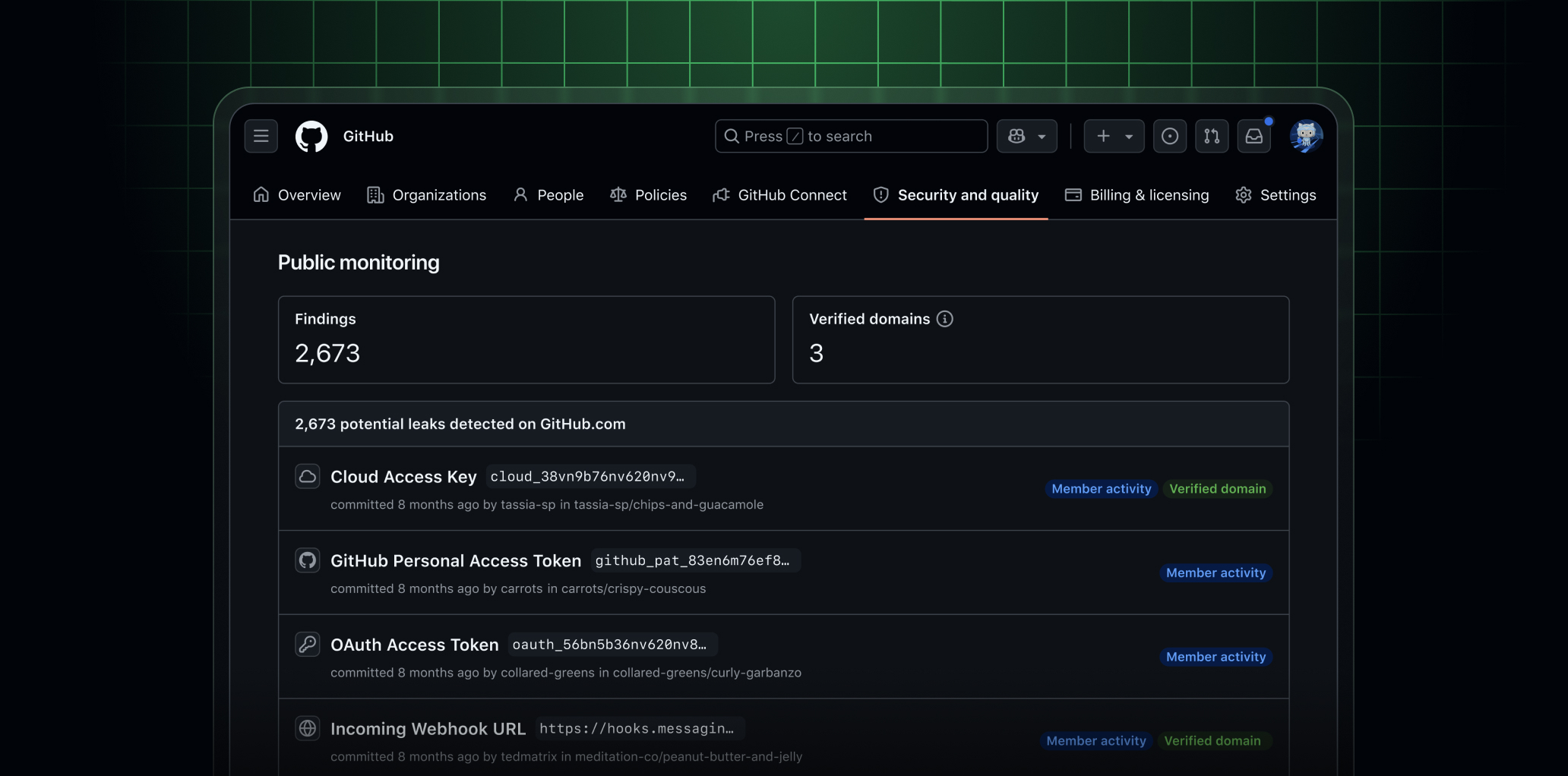
This closes a real gap. Secrets routinely escape the repositories a security team monitors: a developer commits to a personal fork, contributes to an open source project from an untracked account, or pastes a token into a public issue while debugging. Repository-scoped scanning never sees any of that. And when a Sha1-Hulud-style worm uses a compromised developer's own GitHub token to dump harvested credentials into a brand new public repository, attribution through GitHub's identity layer is what connects that dump back to your enterprise.
The feature is available at no additional cost for GitHub Enterprise Cloud customers with Secret Protection or Advanced Security. Enterprise owners and enterprise security managers can enable it from the enterprise Security tab, after which recently leaked secrets surface immediately and future matches are flagged as they appear. GitHub states that private repositories are never scanned; the feature only surfaces secrets that are already publicly exposed. Support for Enterprise Cloud with data residency is coming later.
If your enterprise qualifies, turn it on. There is no meaningful downside.
What it cannot see
Public monitoring is detection after exposure, and only for exposure that lands on github.com's announced scan surfaces.
Most secret theft never touches those surfaces. The TeamPCP campaigns that compromised Trivy a second time and hid a credential stealer inside the telnyx PyPI package harvested secrets from developer machines and CI environments and sent them to infrastructure the attackers owned. The GhostAction campaign stole over 3,000 secrets through malicious workflows posting to attacker-controlled endpoints. Public monitoring, by design, sees none of that traffic.
There is also a gap on GitHub itself. The announcement lists git content, pull request comments, and issues as the scanned surfaces, and GitHub's secret scanning documentation similarly lists commits, issues, pull requests, discussions, and gists as scanned content. Workflow run logs appear on neither list, and they are a proven exposure path: the tj-actions/changed-files compromise exposed CI/CD credentials in build logs. Until GitHub documents log coverage, treat log-based exposure as outside this feature's scope.
Finally, even for the exposure it does catch, detection happens after the fact. Attackers automate credential validation and abuse within minutes of a dump landing. Real-time detection compresses your response window. It does not return the window that already closed.
Closing the gap: stop the exfiltration itself
The complement to post-exposure detection is preventing secrets from leaving your pipelines in the first place.
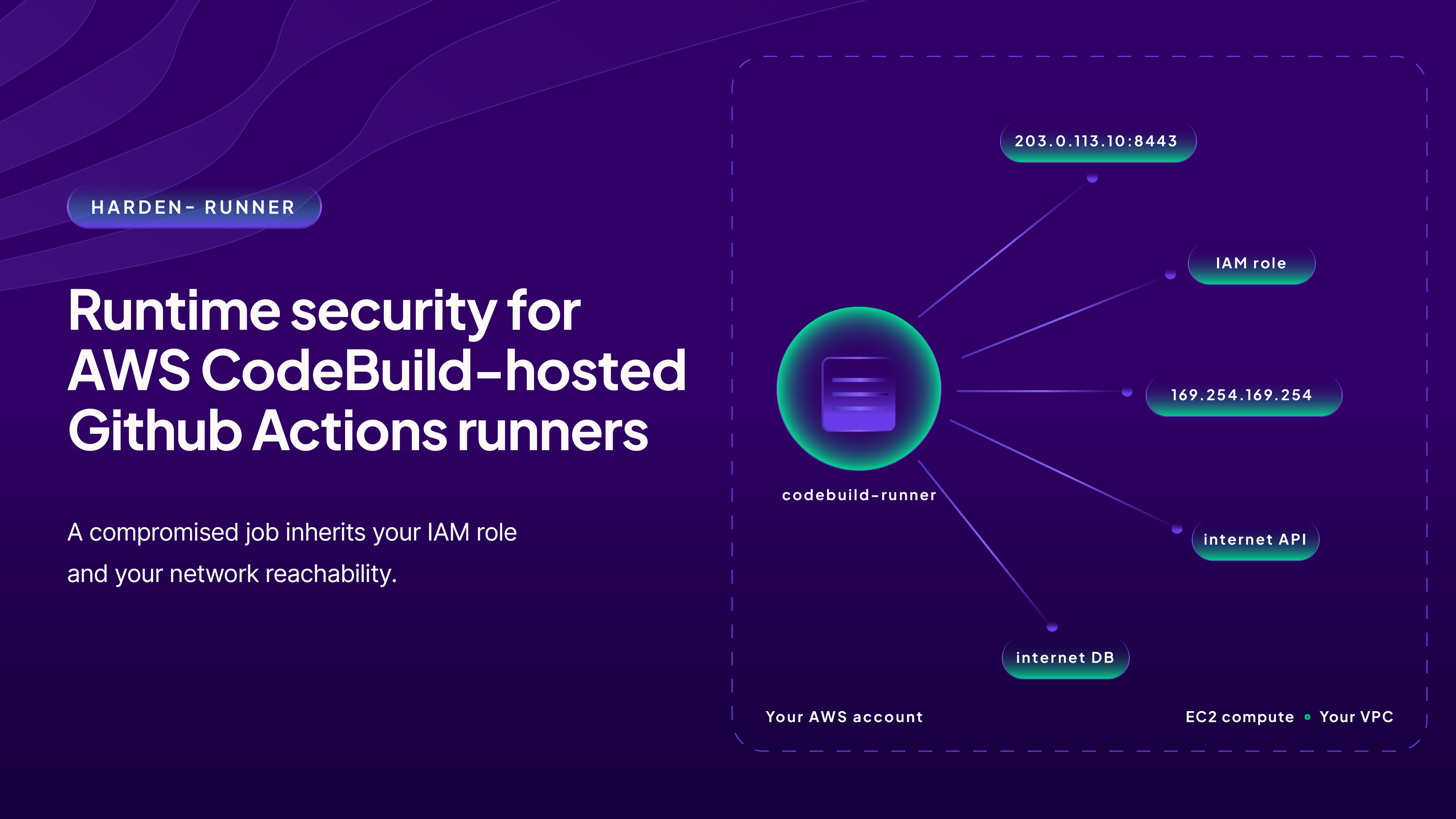
This is what runtime egress control does. Harden-Runner monitors outbound network calls from GitHub Actions workflow runs and, in block mode, only allows traffic to endpoints you have explicitly allowed. Whether a compromised action tries to POST your secrets to an attacker's server or push them to an unexpected github.com repository, the anomalous call is surfaced at the moment it happens, not after the secrets appear somewhere public. This is exactly how the Sha1-Hulud attack was caught in practice: Harden-Runner detected the compromised packages running in CNCF's Backstage repository through runtime monitoring and baseline anomaly detection. It is why 13,000+ open-source projects and enterprises run Harden-Runner today.
StepSecurity also covers the adjacent leak paths inside your own pipelines: detecting leaked secrets in workflow artifacts and build logs, both places where secrets are exposed long before they ever reach a public commit.
The honest architecture is layered. GitHub's public monitoring tells you when your secrets have surfaced on github.com's scanned surfaces. Runtime egress control stops them from being exfiltrated out of CI at all. You want both.
What to do this week
- If you are on GitHub Enterprise Cloud with Secret Protection or Advanced Security, enable public monitoring from your enterprise Security tab and triage the recently leaked secrets it surfaces. Rotate anything active.
- Audit your GitHub Actions workflows for exfiltration exposure. You can analyze any public repository's workflows with Action Advisor, free and with no login.
- For a full picture of your organization's CI/CD risk, run a GitHub Actions security audit.
- Add runtime egress control so the next exfiltration attempt fails at the network layer. Start free or request a demo.